Overview
Most AI videos look fake for the same few reasons: a face that changes between shots, packaging that warps, a voice that rushes, a camera that does whatever it likes. A better video model doesn’t fix any of them. They get fixed before you generate.
AI Video 101 is the method we use on every OpenDirector video, in the order we use it. You find the idea and write the script, check its pace by ear, plan every shot in a screenplay and watch it as a sketch film. Then you build the references that keep characters, products, places and props the same in every clip, and only then generate, edit and deliver.
Every lesson has a short video, real examples and a prompt you can copy into Claude, ChatGPT or OpenDirector. Take the modules in order, or jump to the one you need.
What’s inside
- Module 01 · Mental building blocksWhat images and video really are, how the models that make them work, which image, video and audio models to use, and what they cost.
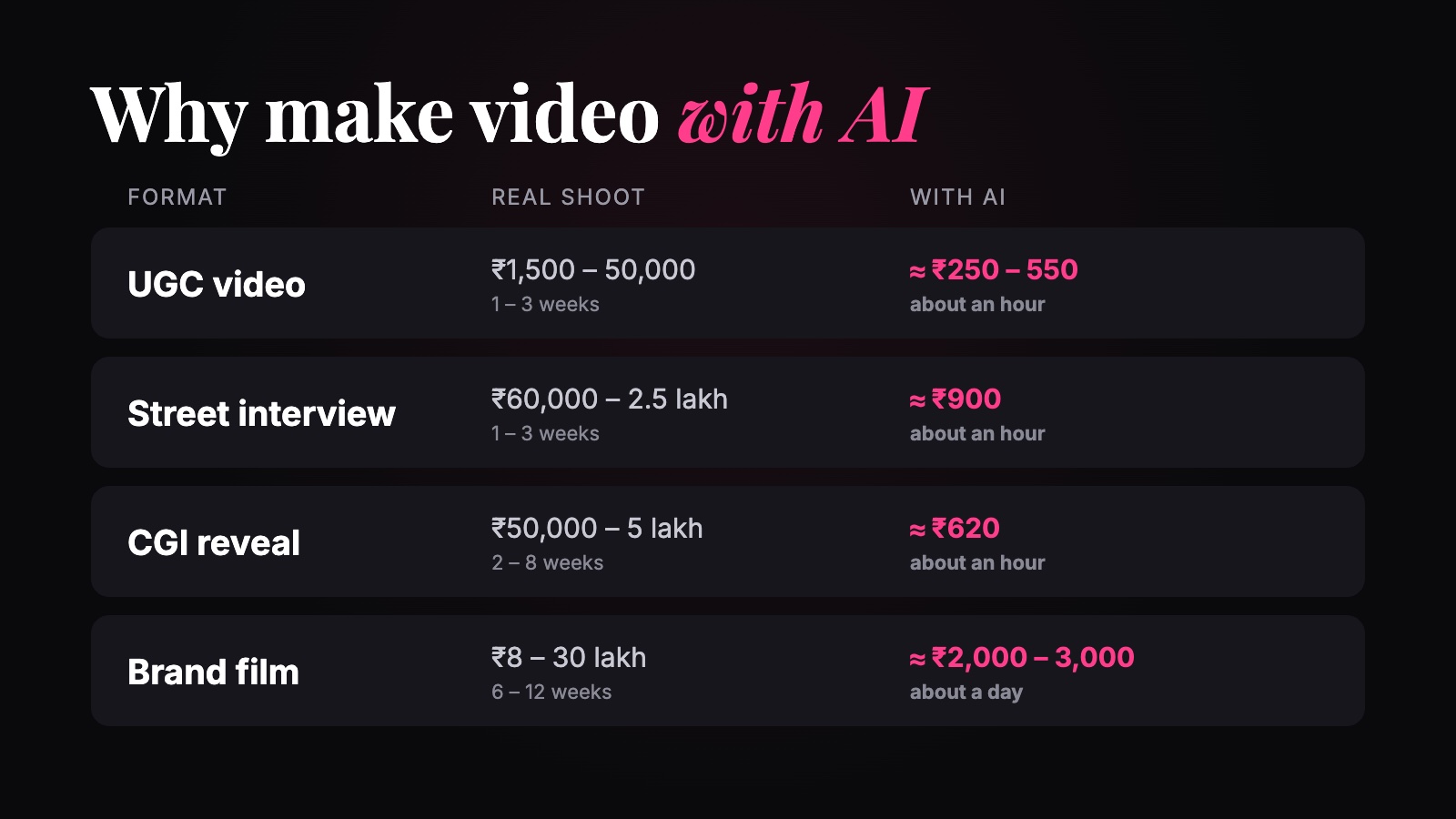 ReadAI video vs a real shoot
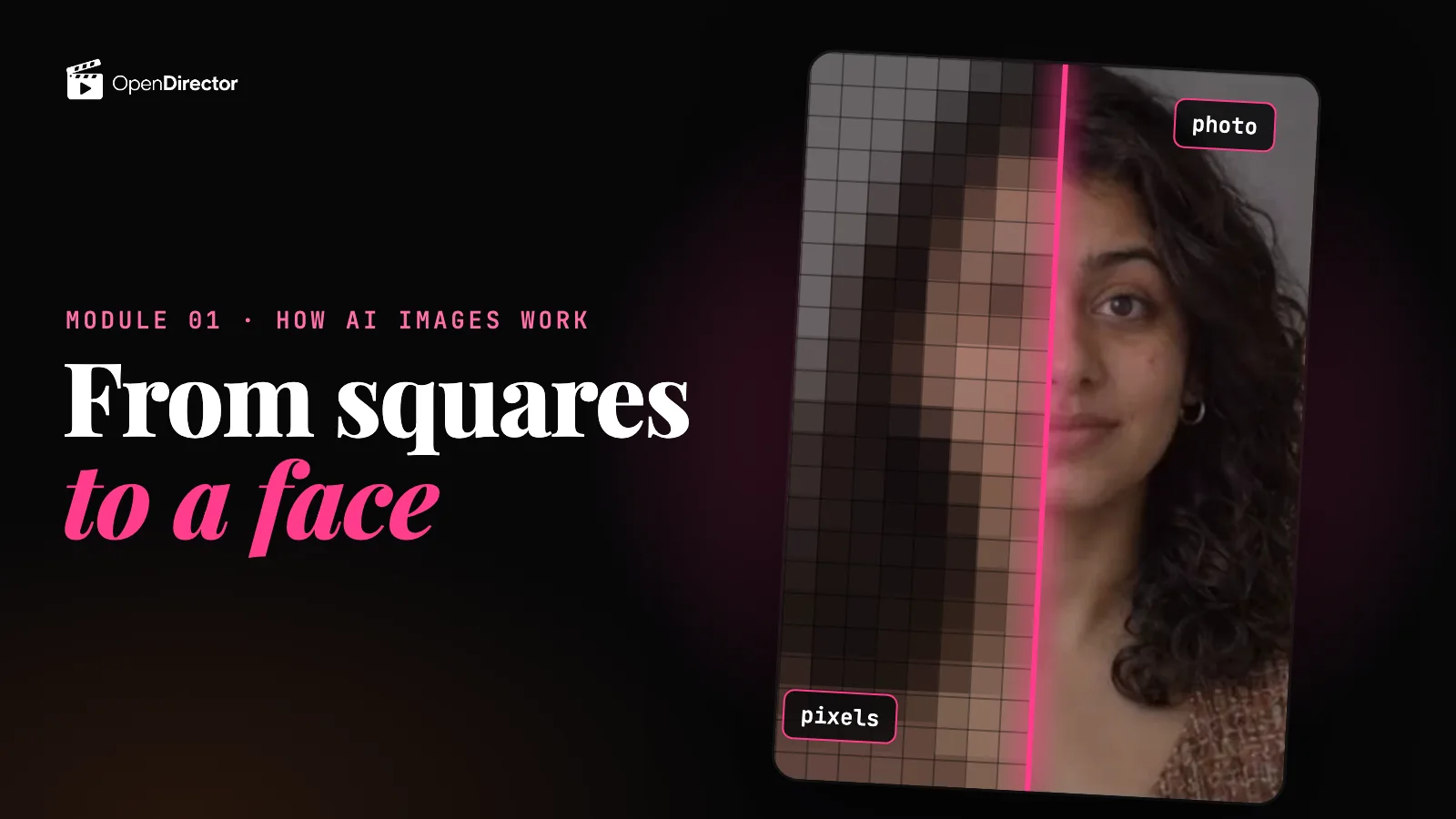 ▶ 6:04How AI image models work
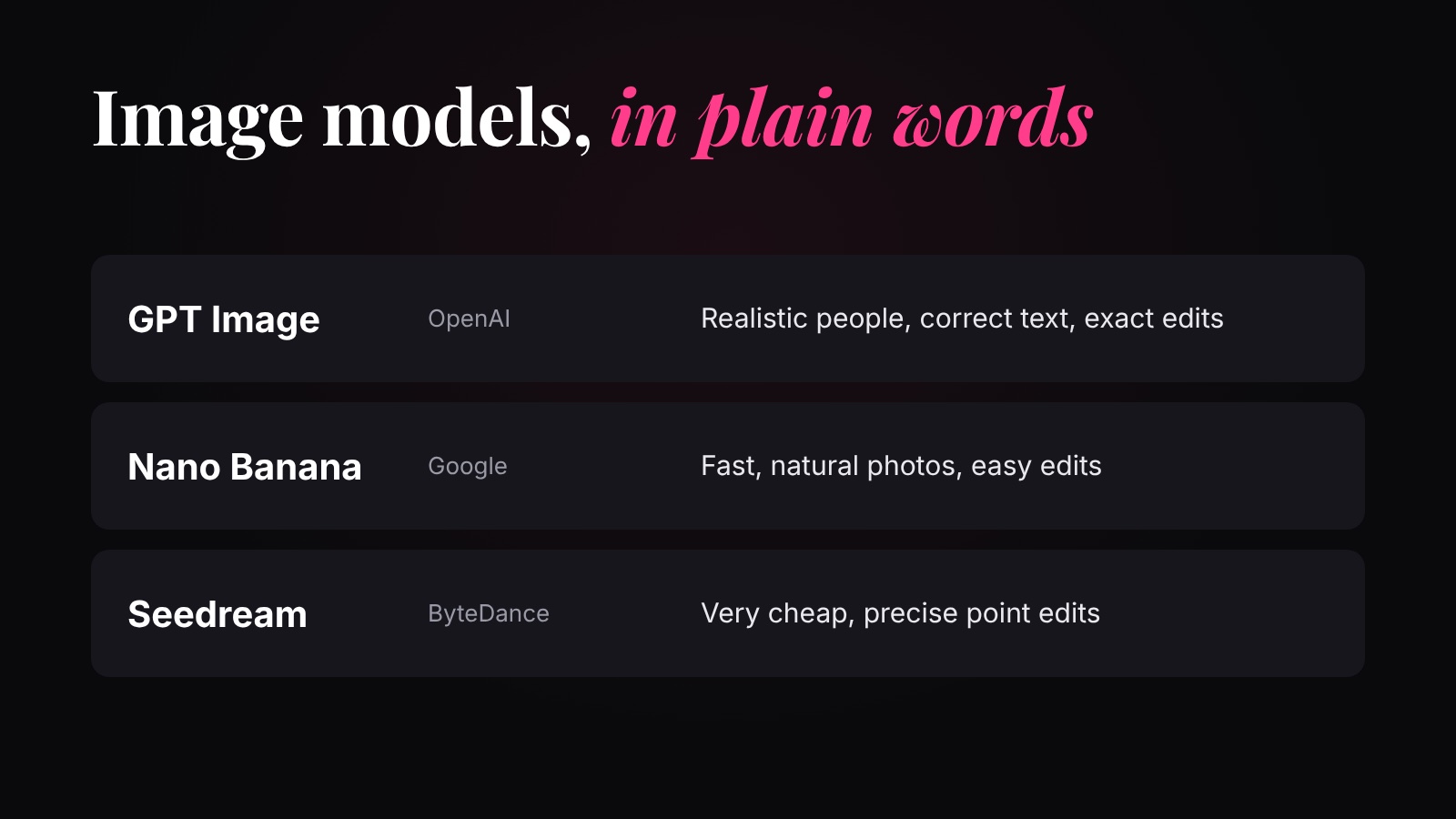 ReadWhich image model to use8 questionsQuiz: Why AI, and how image models work
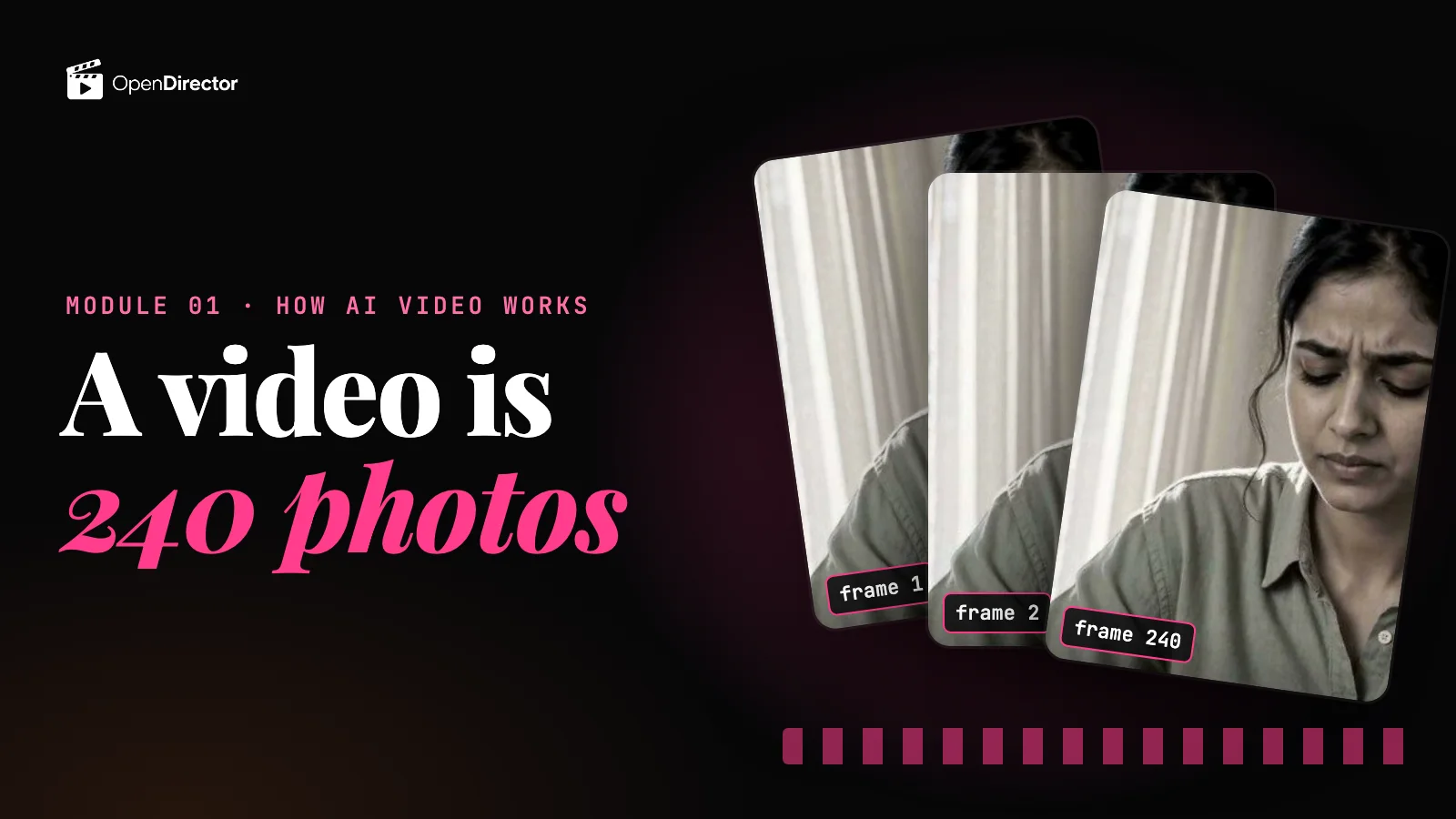 ▶ 4:46How AI video models work
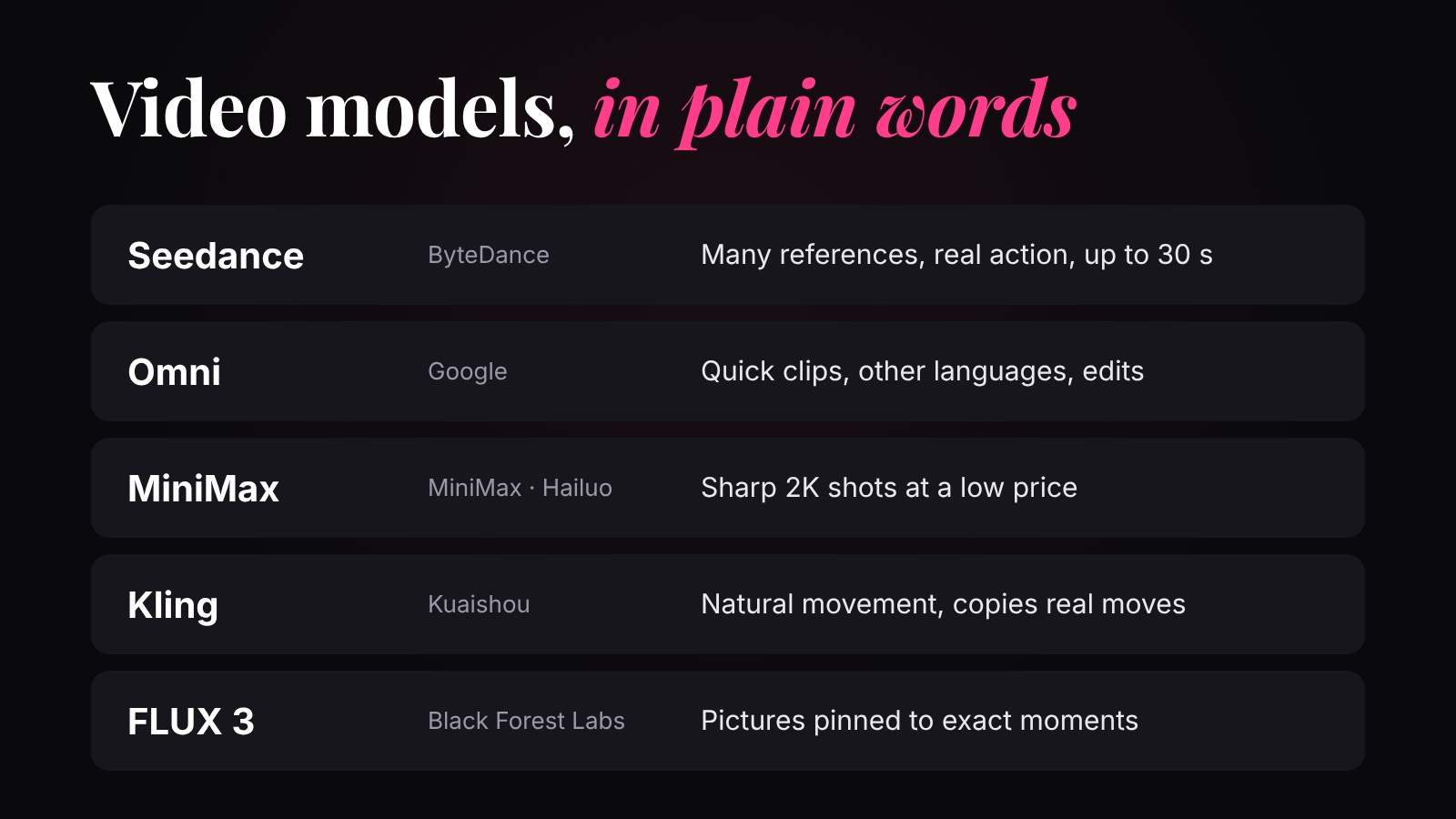 ReadWhich video model to use8 questionsQuiz: How video models work and which to use
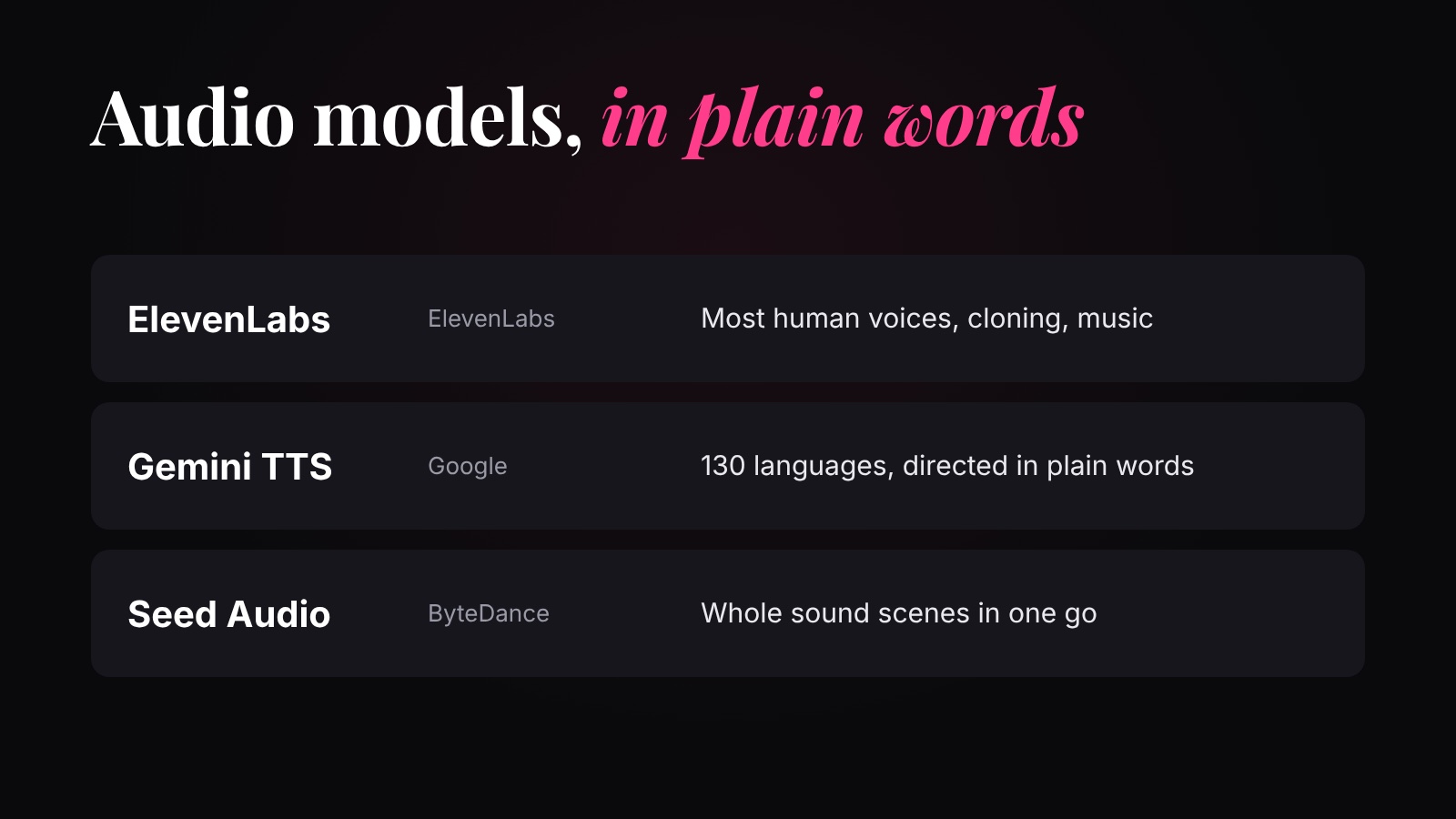 ReadVoice and music models
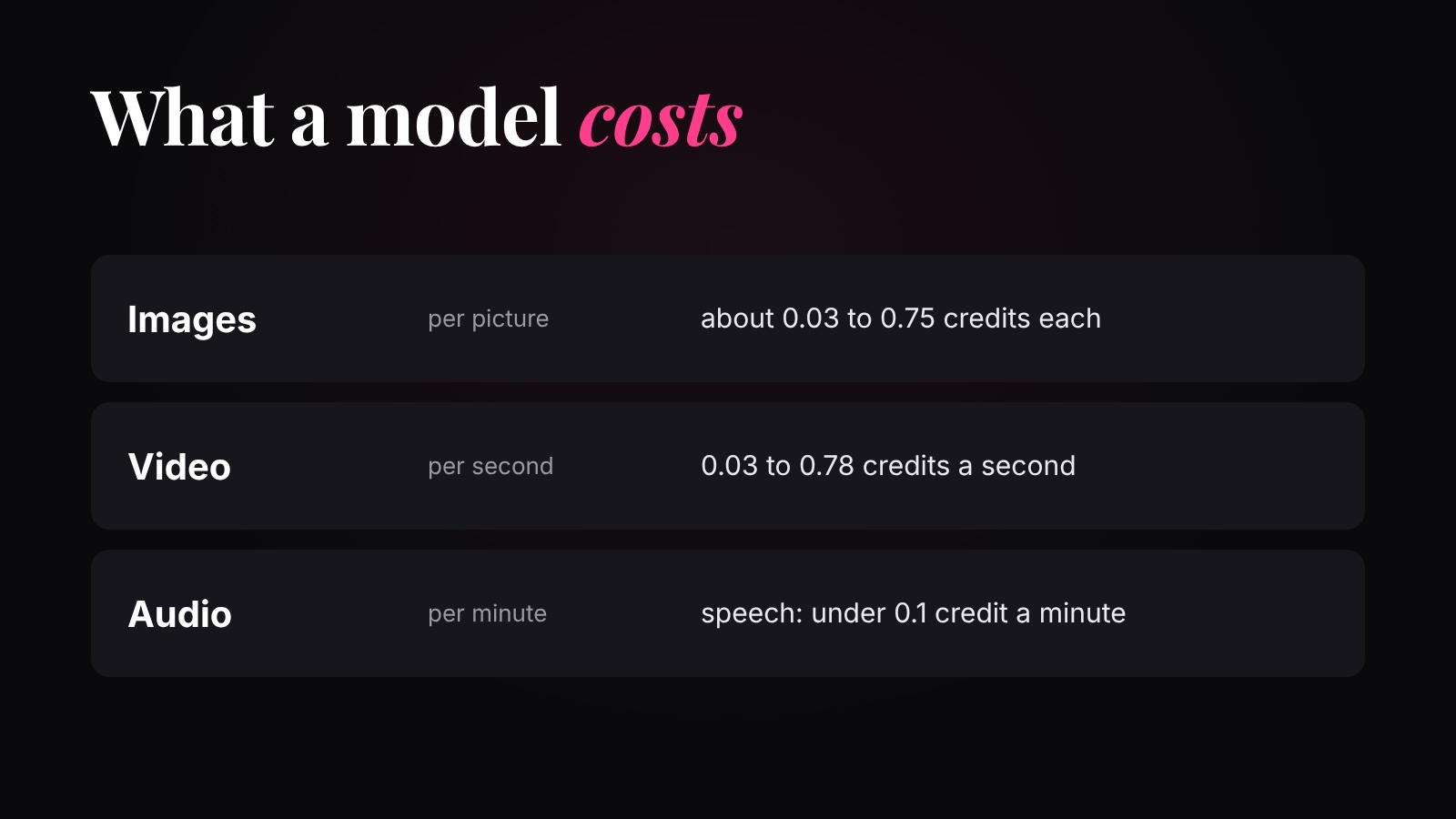 ReadModel prices compared
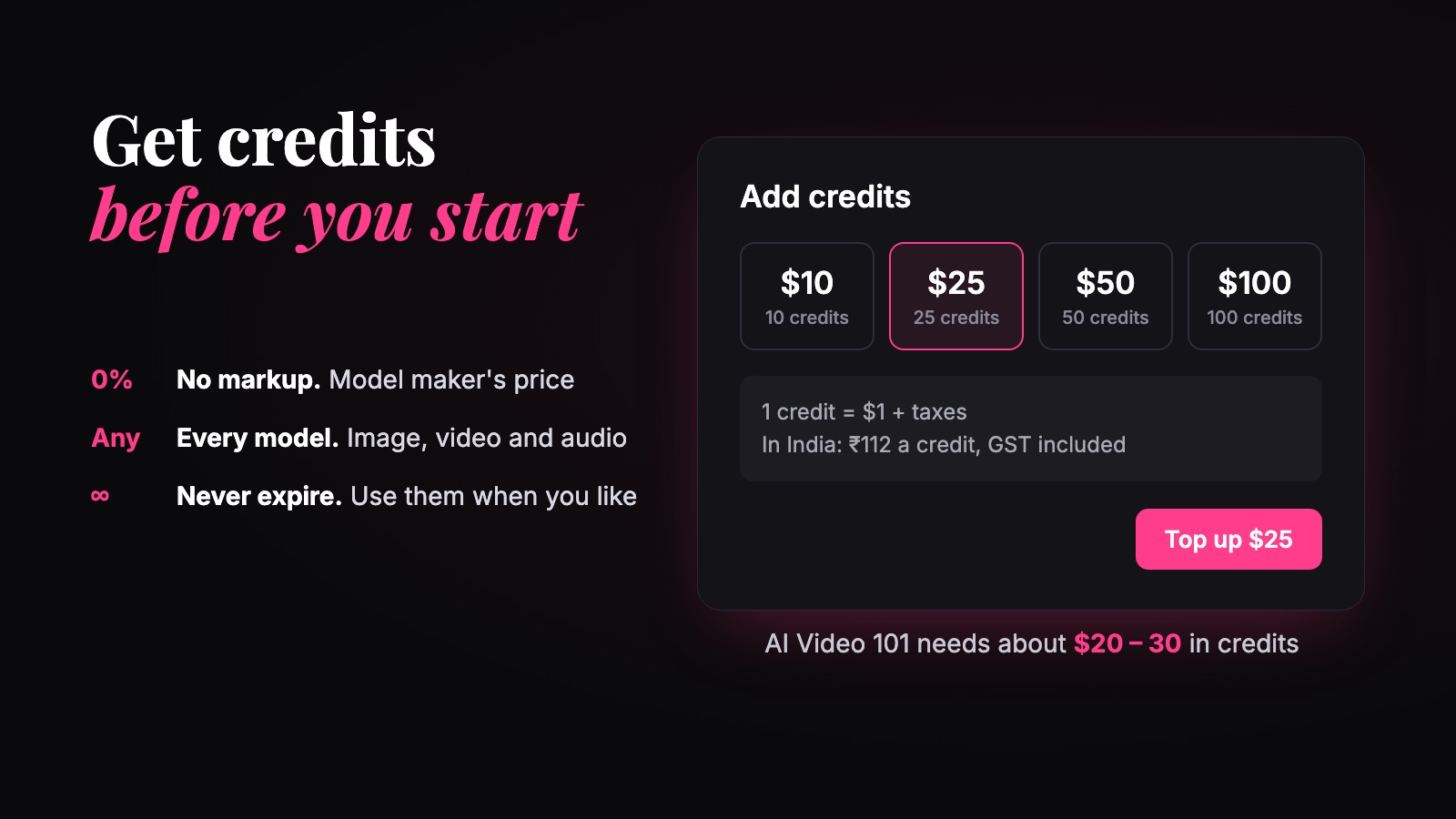 ReadGet markup-free credits for AI models9 questionsQuiz: Audio models, prices and credits
 - Module 02 · Talking head videosOne talking head video, start to finish: the task, the character's first frame (from text, or from a reference image), breaking the script into clips, and the clips on Omni Flash, Seedance and Veo 3.1.
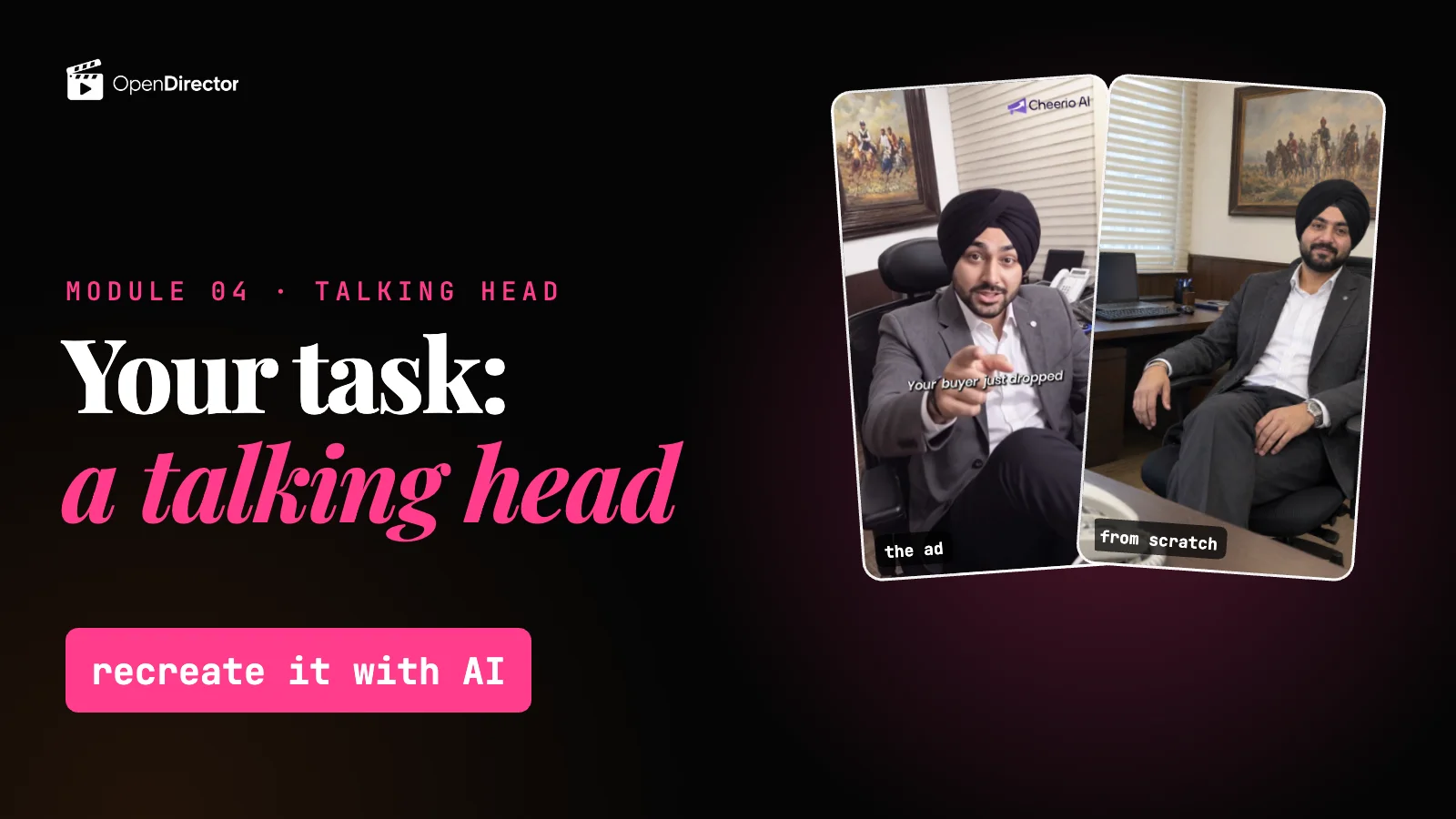 ▶ 1:49Task: your first AI video, a talking head Locked
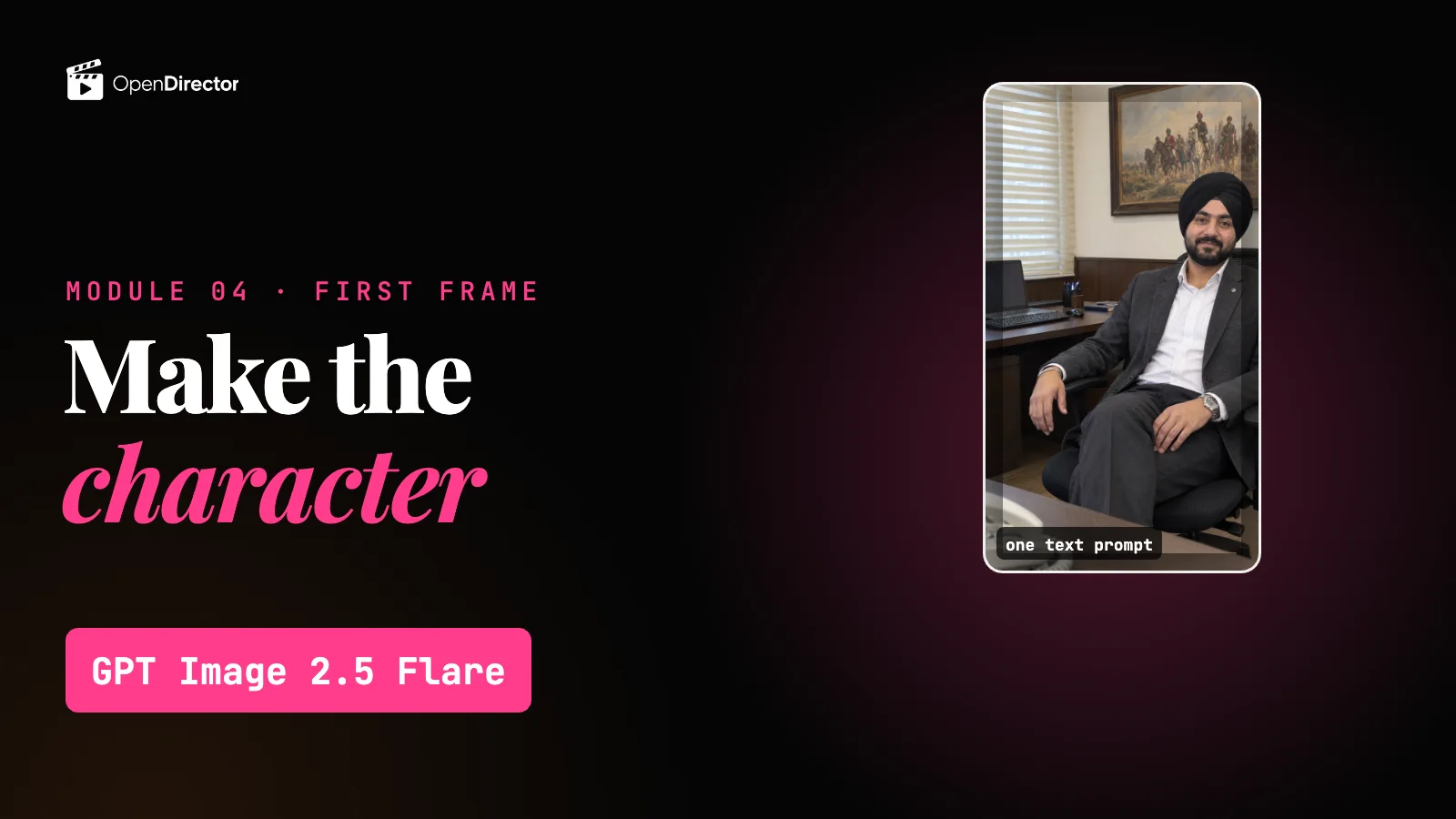 ▶ 4:15Make the first frame from words Locked
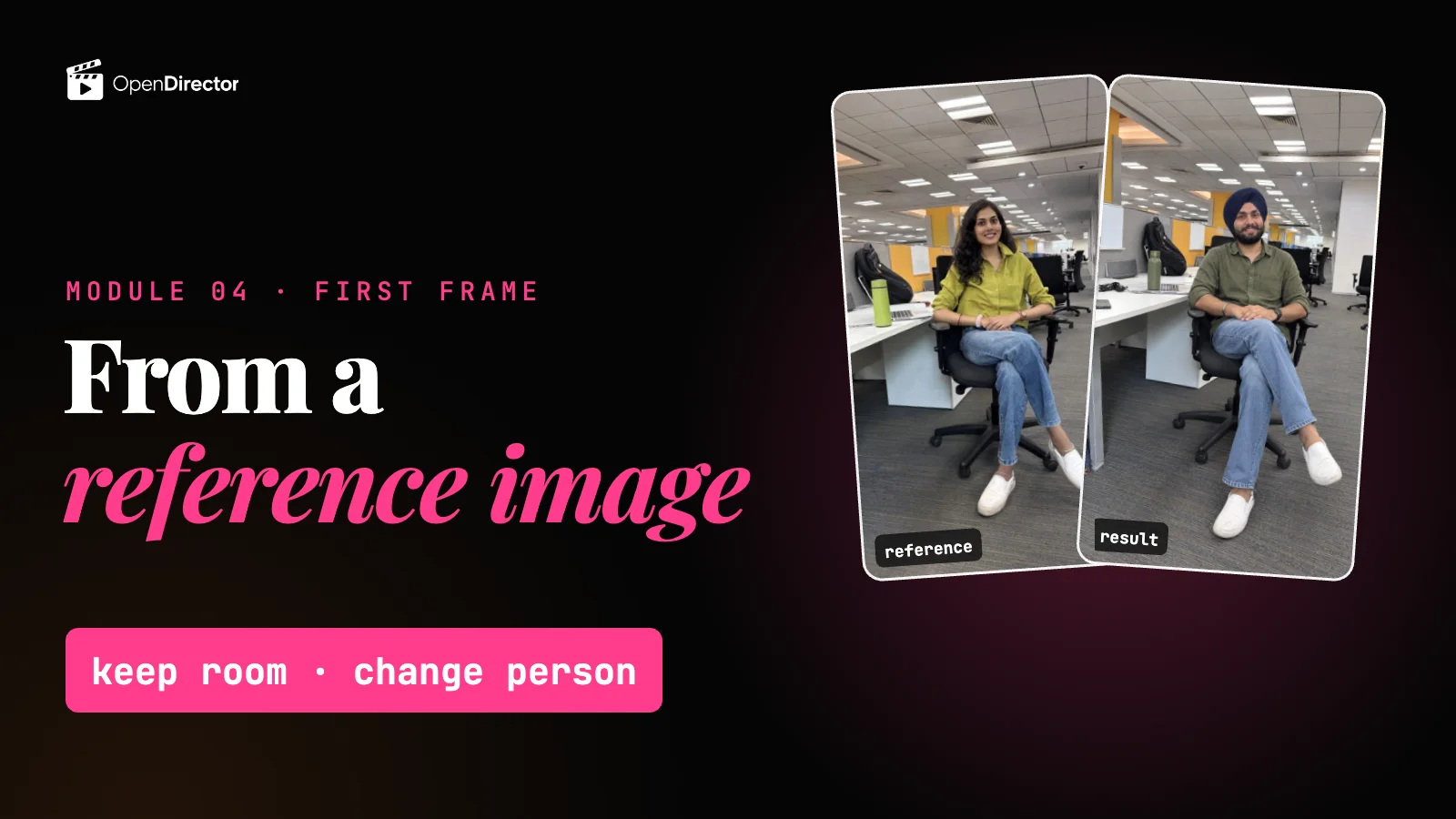 ▶ 2:06Make the first frame from a photo Locked8 questionsQuiz: The first frame Locked
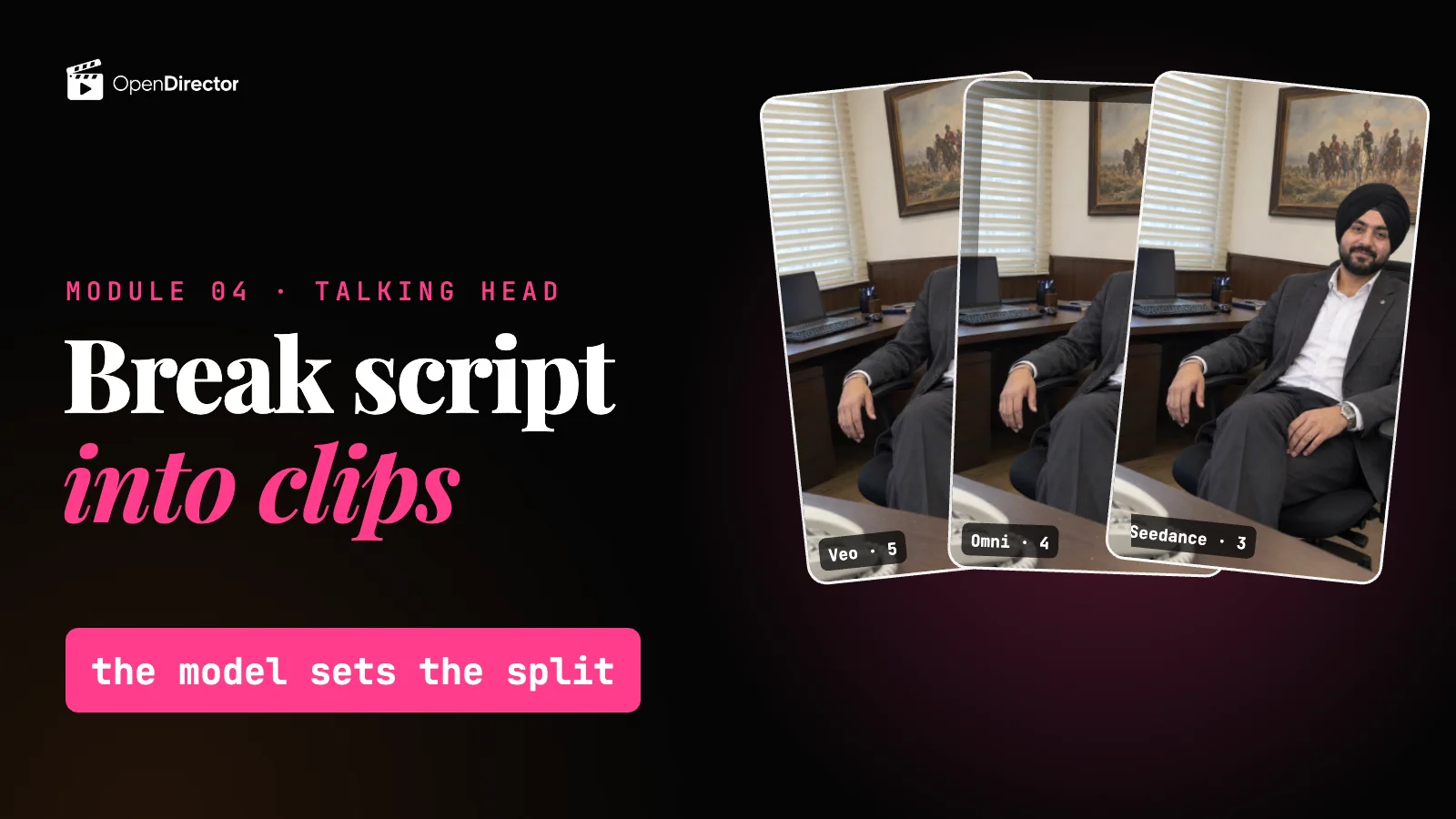 ▶ 4:09Split the script into clips Locked8 questionsQuiz: Splitting the script Locked
 ▶ 2:50Make the clips on Omni Flash Locked
 ▶ 3:03Make the clips on Seedance Locked
 ▶ 3:17Make the clips on Veo 3.1 Locked8 questionsQuiz: Making the clips Locked
 - Module 03 · Script & screenplayWrite for AI. Plan every shot before you generate.
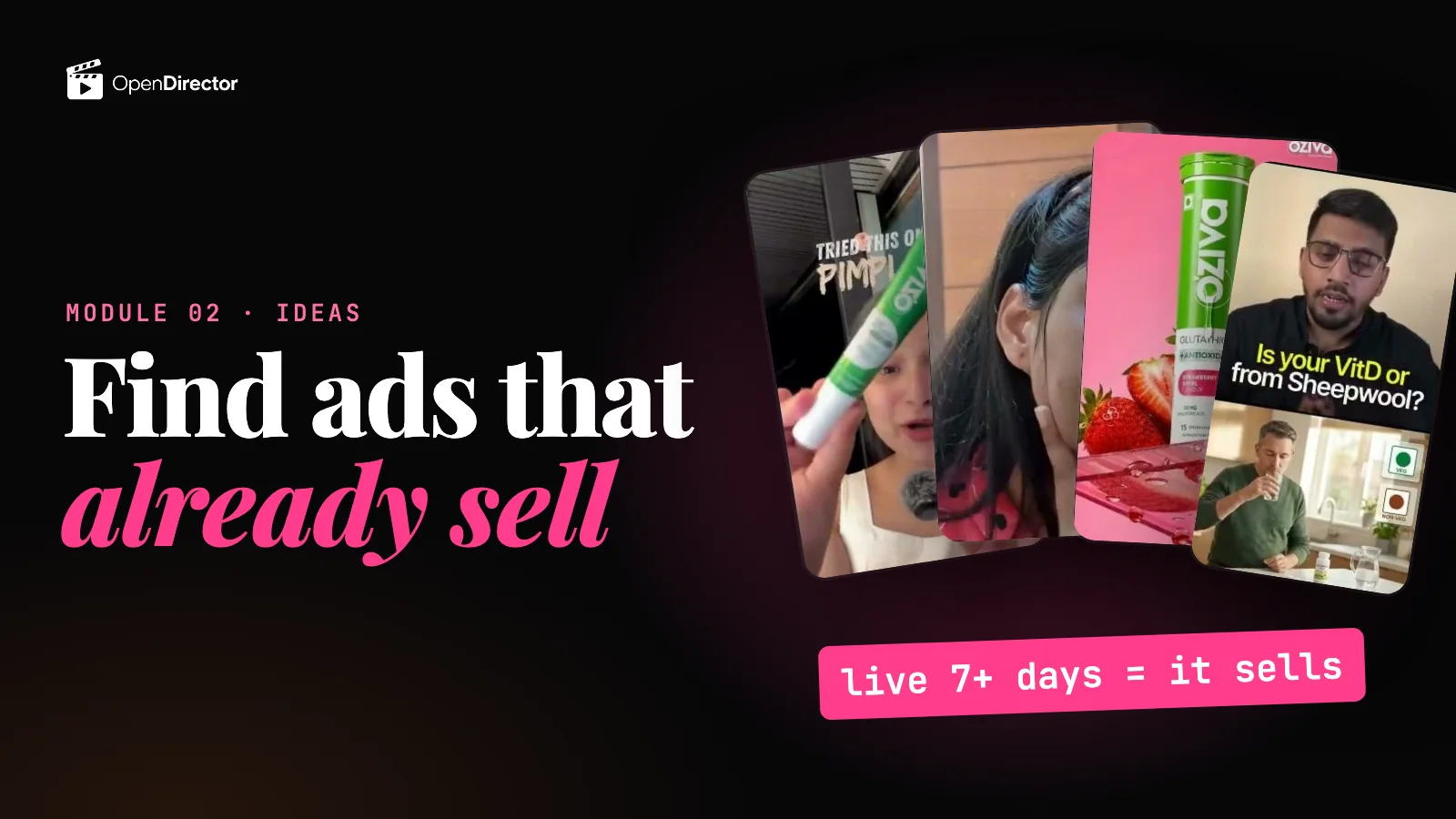 ▶ 2:04Find ideas for your ad Locked
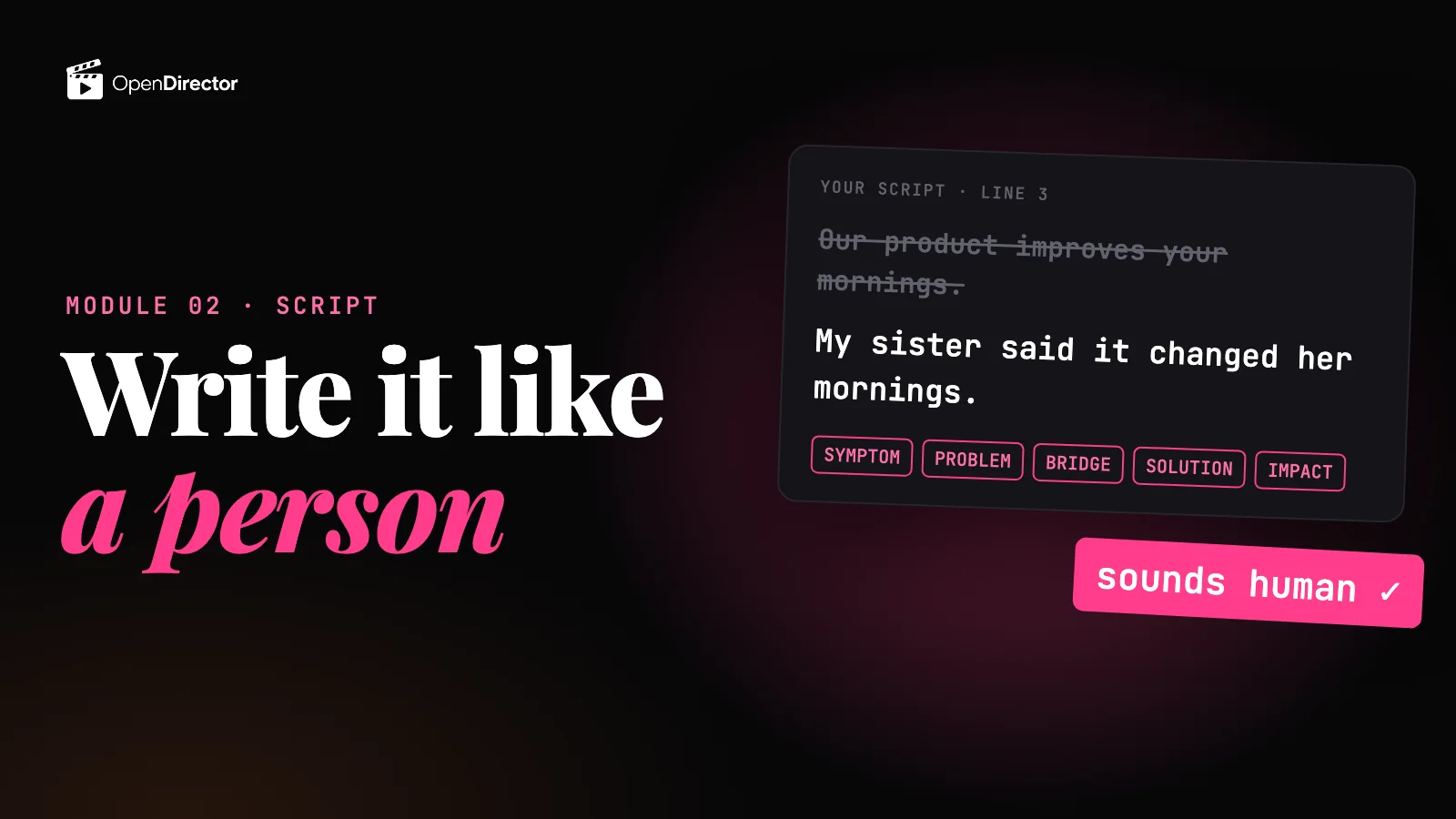 ▶ 1:54Write a product ad script Locked
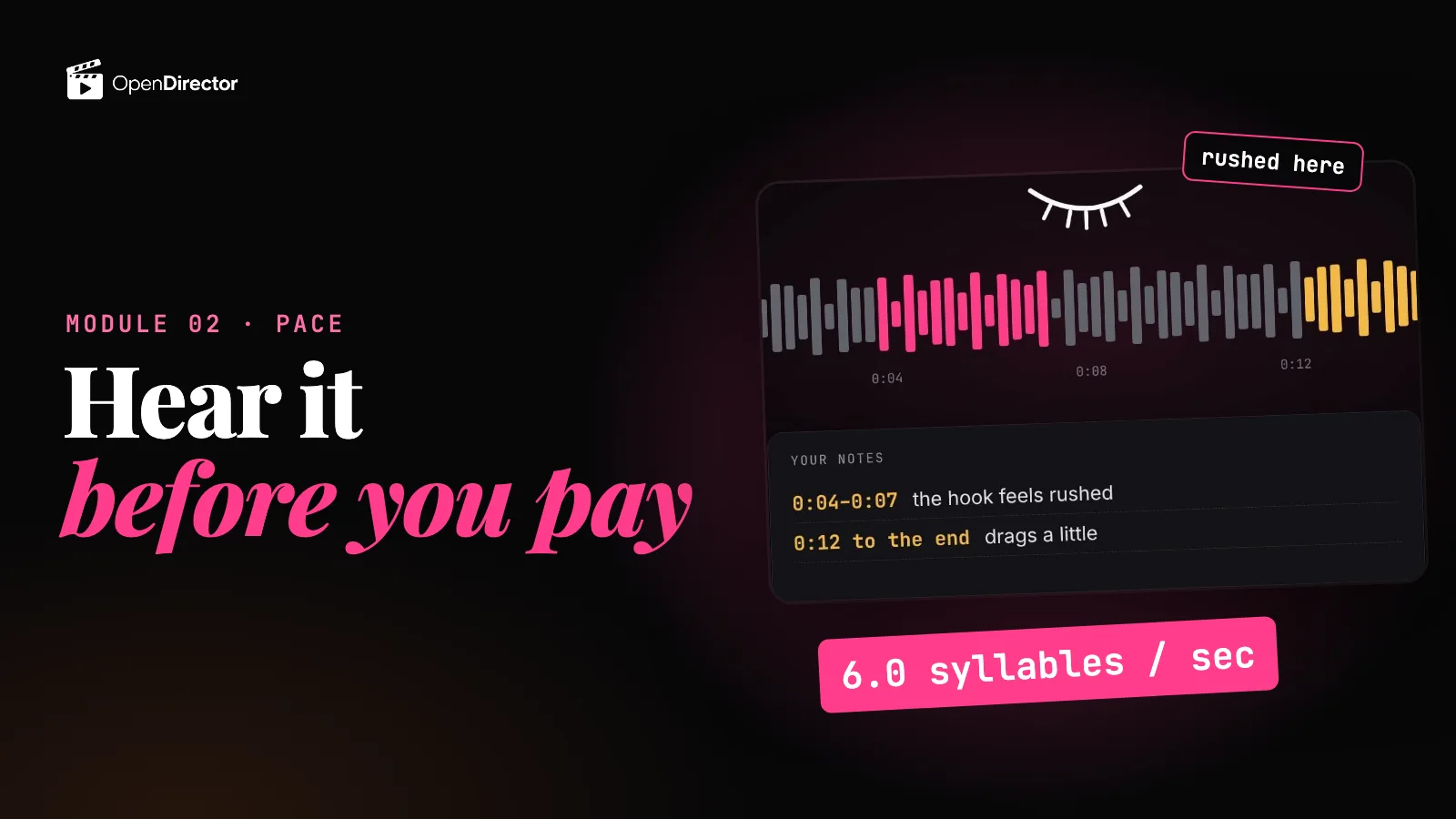 ▶ 2:02Check your script's pace Locked8 questionsQuiz: Ideas, script and pace Locked
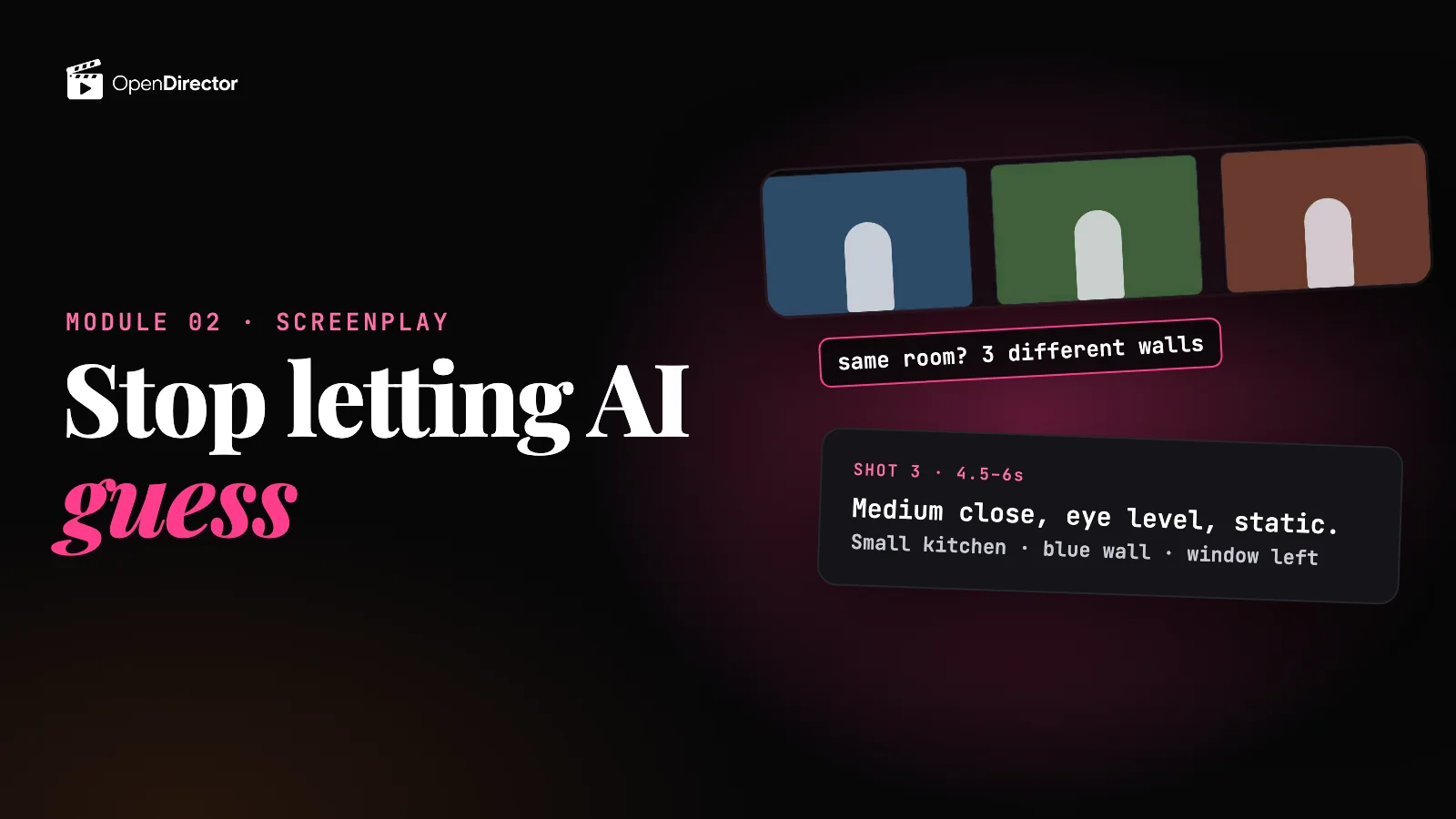 ▶ 1:38Write the screenplay Locked
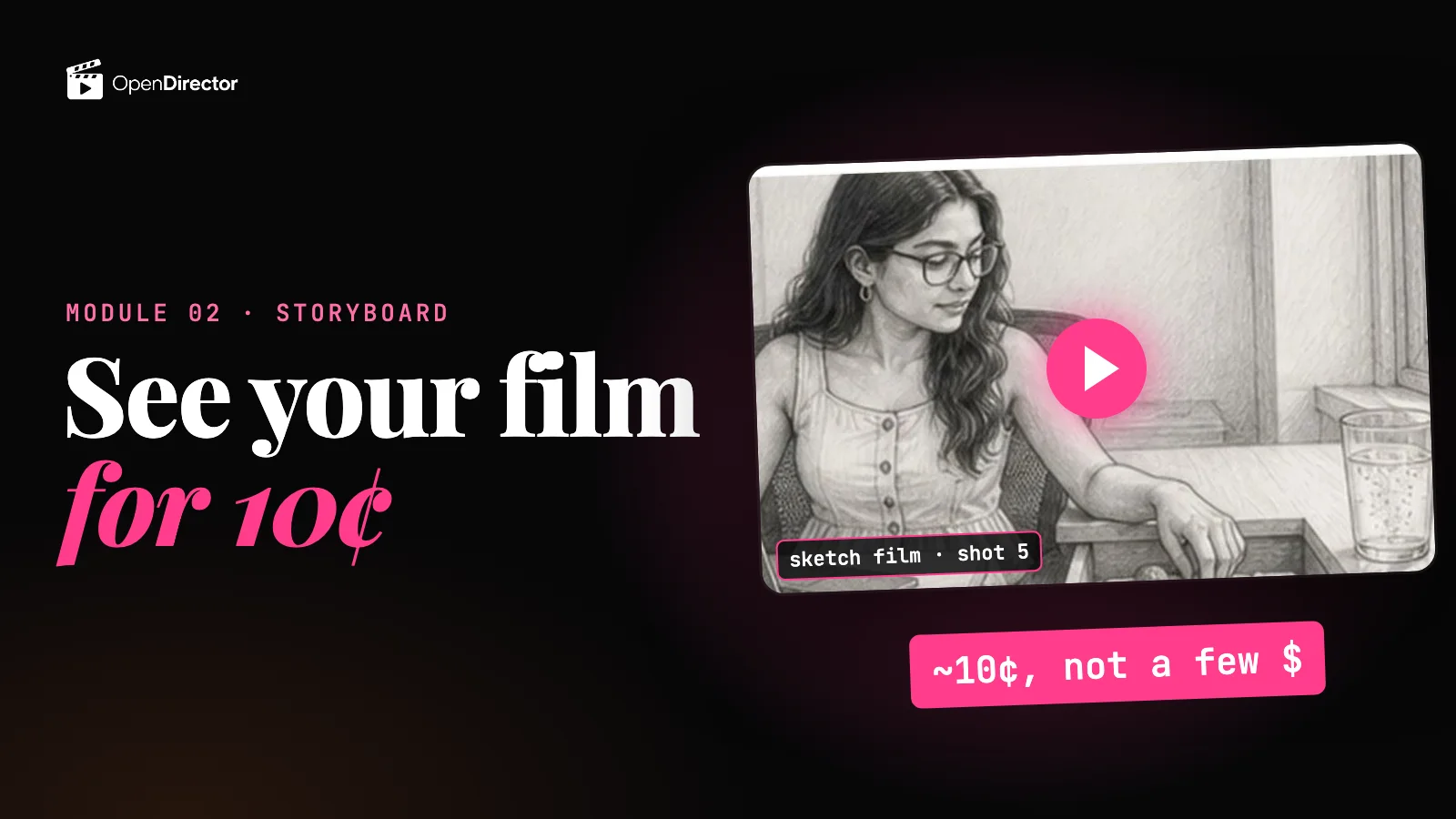 ▶ 1:30Visualize the screenplay Locked
 - Module 04 · UGC videosOne UGC ad in Hindi, start to finish: a creator reviews a beauty cream at home. The script to a screenplay, every first frame with the product in it, the clip prompts and what to attach, and the clips on Omni Flash or MiniMax H3.
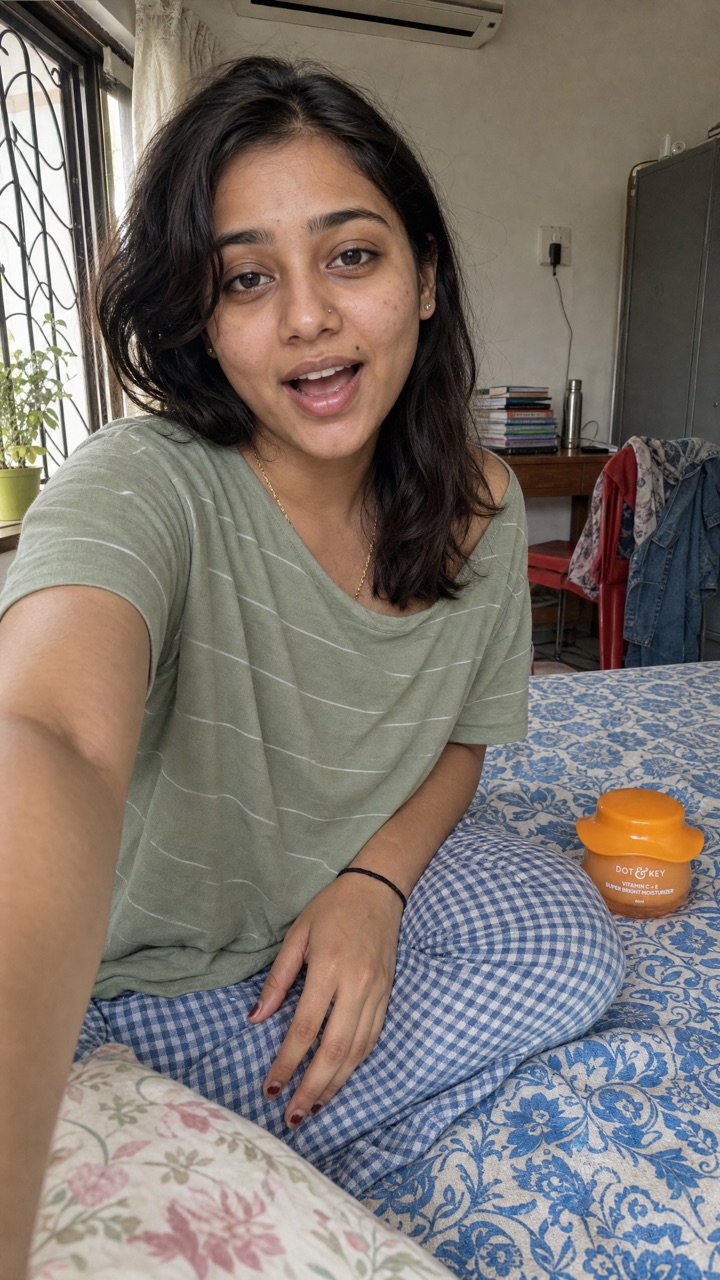 ▶ 4:02Task: the beauty cream UGC ad Locked
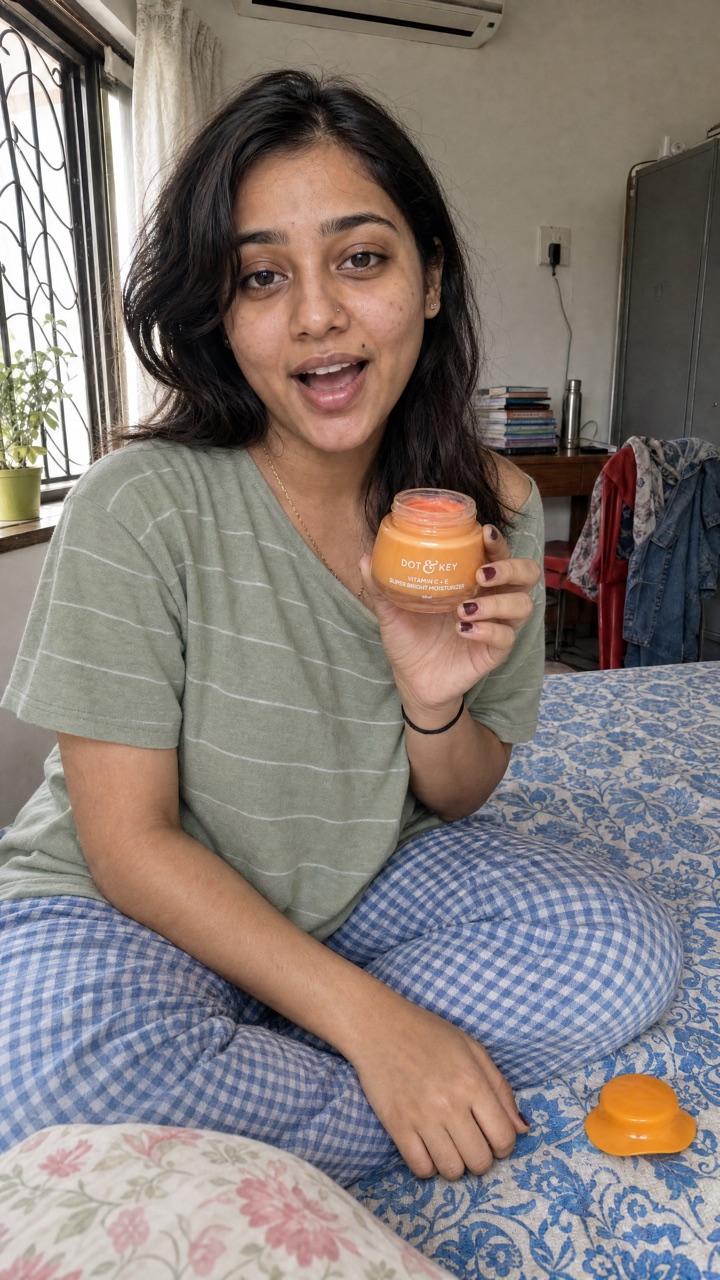 ▶ 4:40Write the UGC screenplay Locked
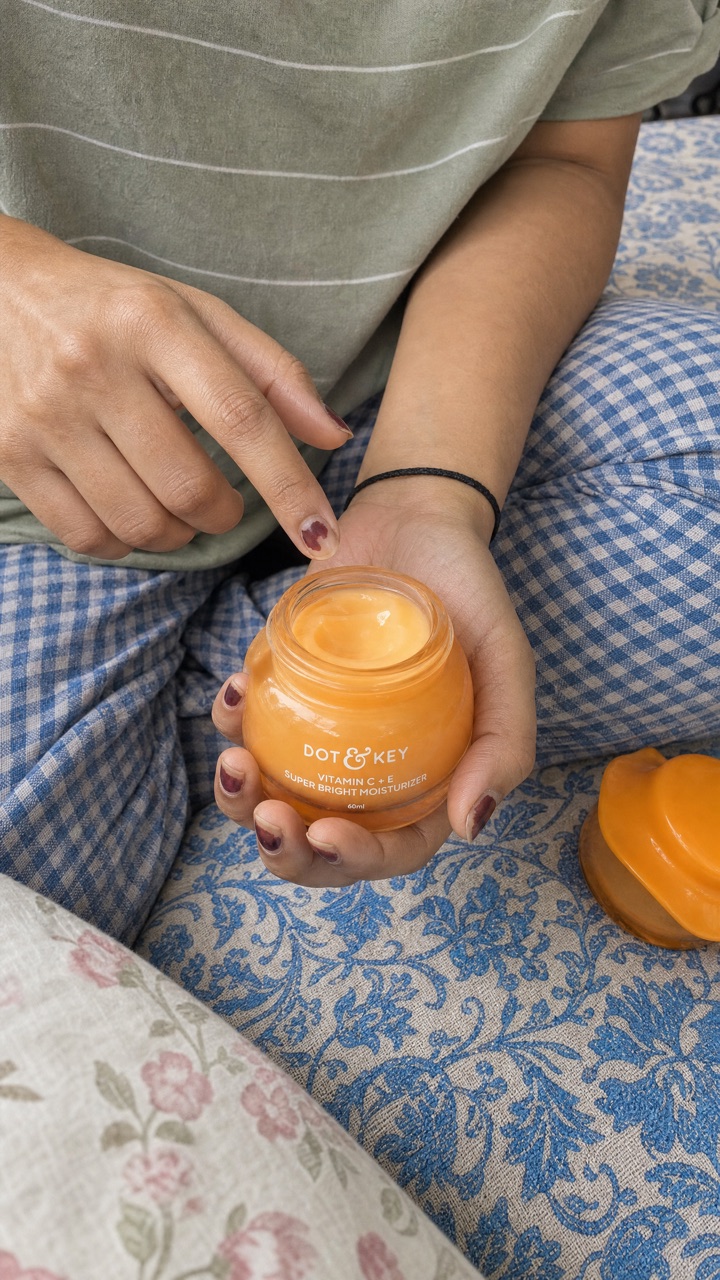 ▶ 4:14First frame or reference to video? Locked9 questionsQuiz: UGC screenplay and method Locked▶ 5:09Make the keyframes Locked▶ 4:02Clip prompts and attachments Locked
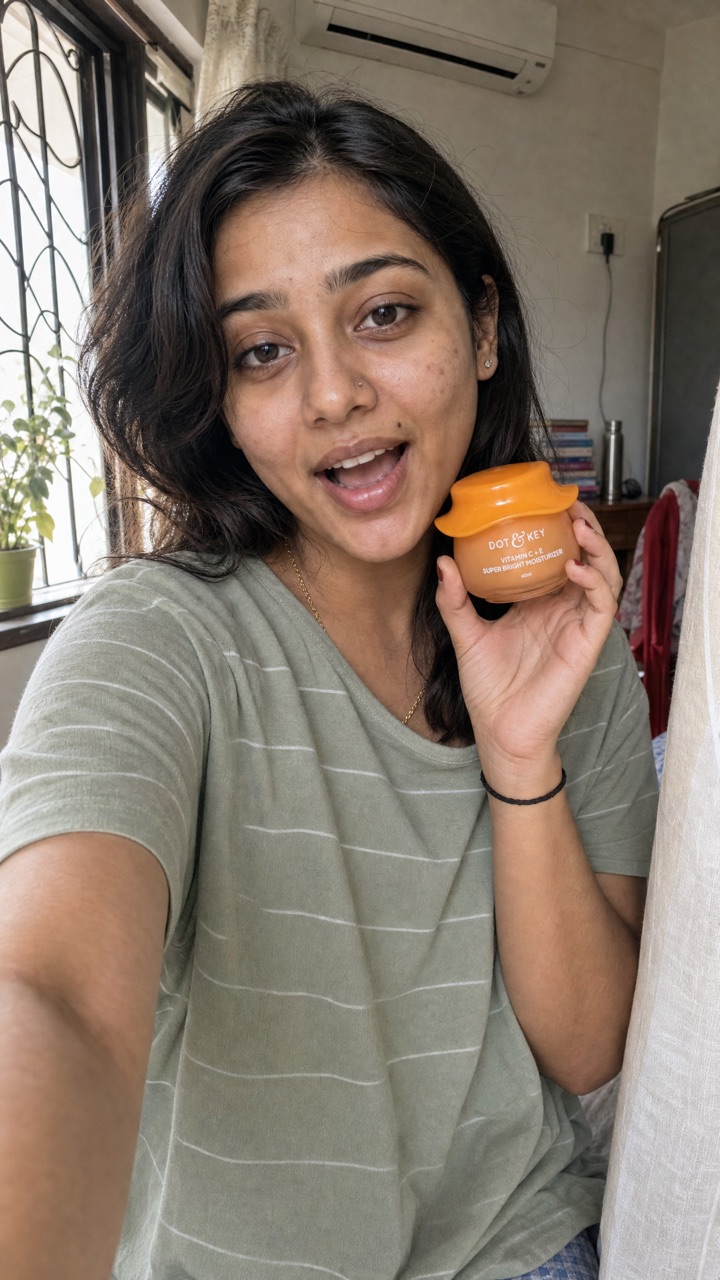 ▶ 5:08Make the clips: Omni or MiniMax Locked8 questionsQuiz: UGC pictures and videos Locked
 - Module 05 · Street interview videosOne street interview, start to finish: the screenplay first, then the character, location, prop and product pictures made from it, and the clips on Seedance 2.5, reference to video.
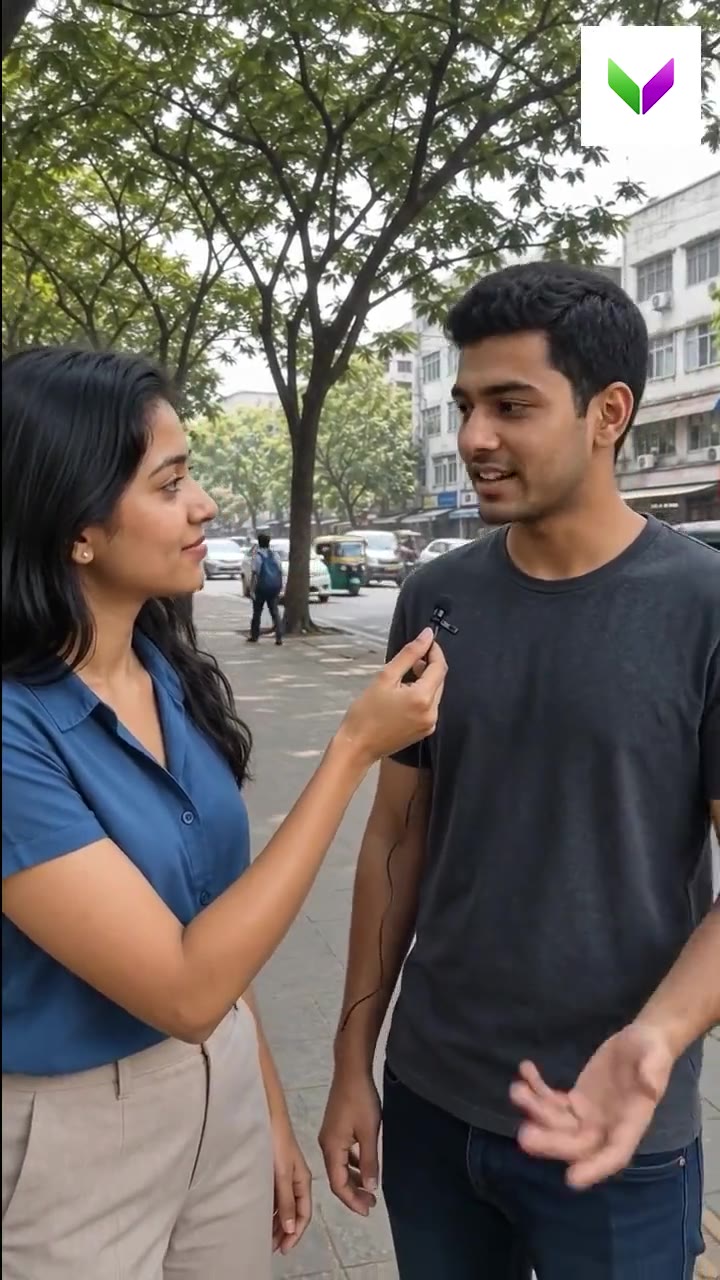 ▶ 5:13Task: the protein brand street interview Locked
 ▶ 5:05Turn the script into a screenplay Locked
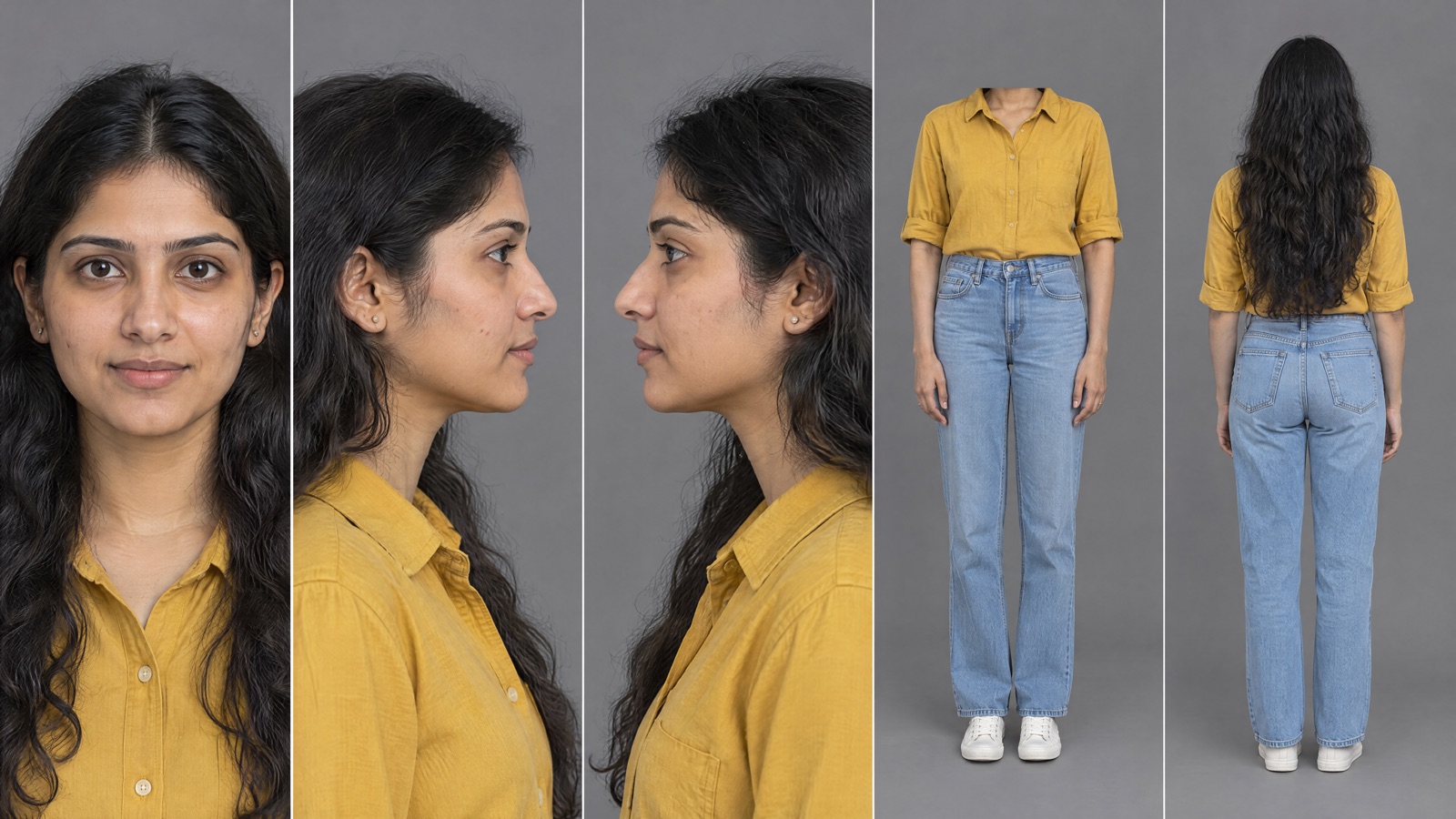 ▶ 4:03Make the character sheets Locked▶ 4:49Make the location image Locked8 questionsQuiz: Street interview people and place Locked
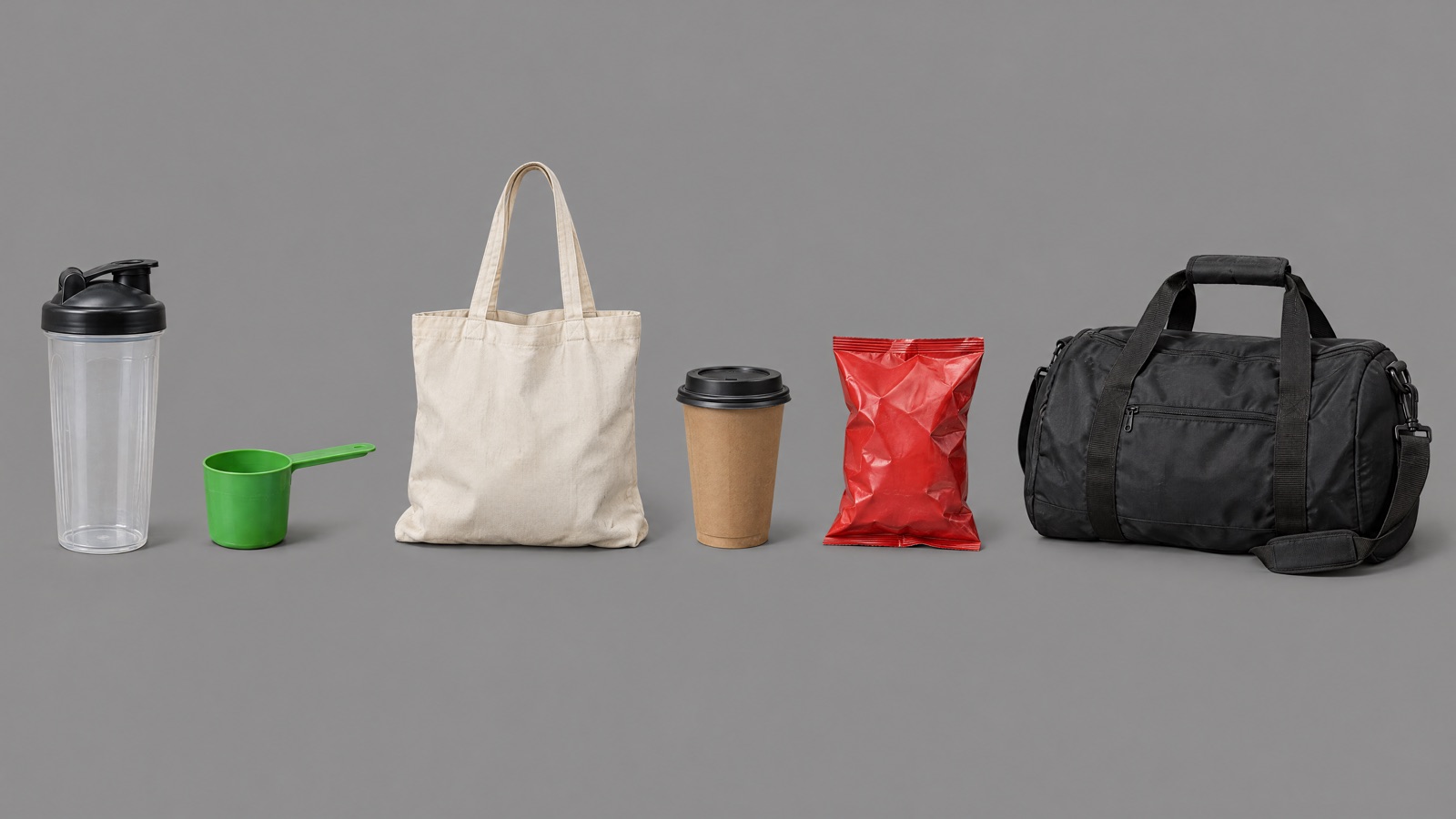 ▶ 4:06Make the prop sheet Locked
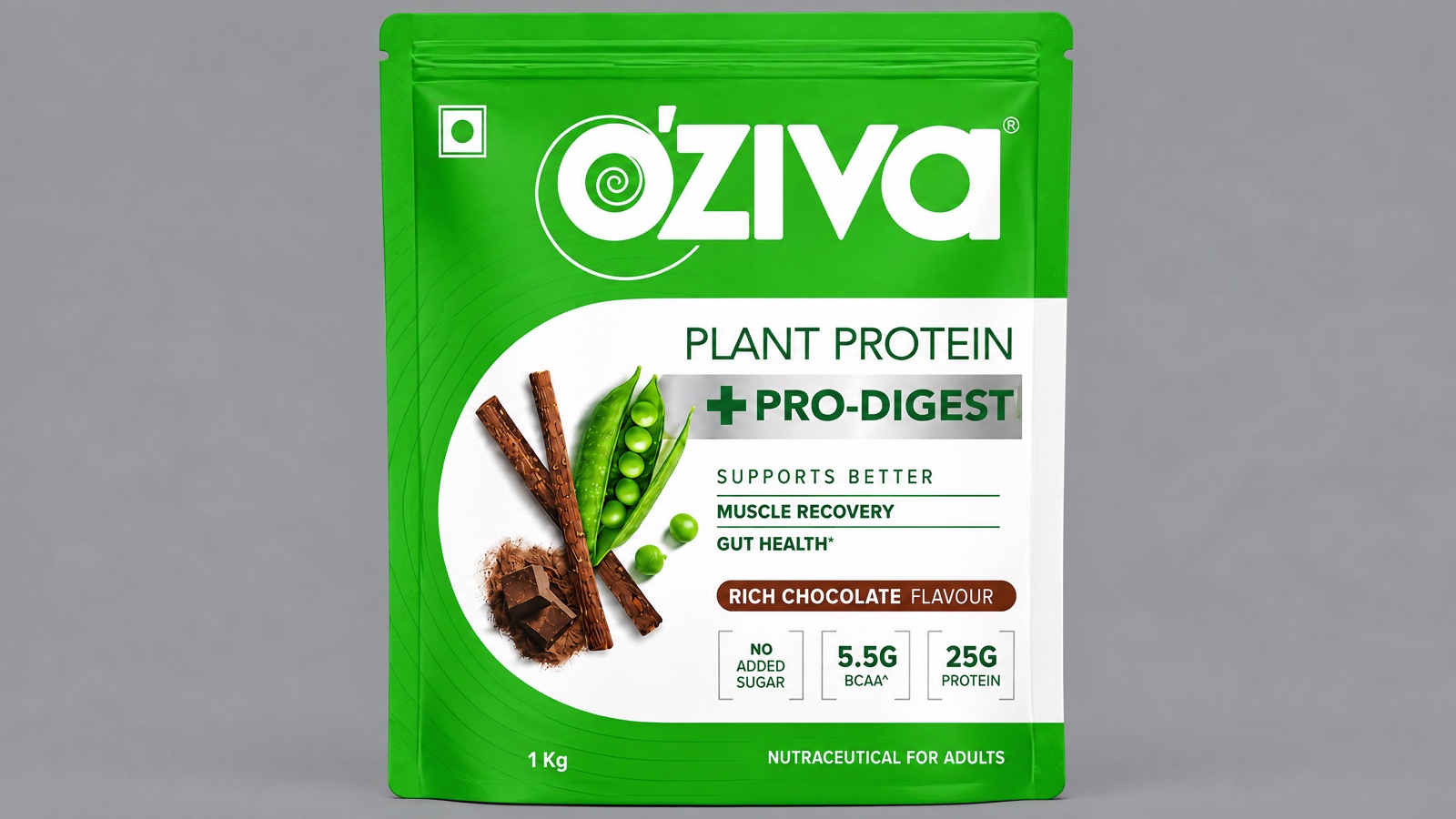 ▶ 4:42Make the product images Locked8 questionsQuiz: Street interview props, product and screenplay Locked
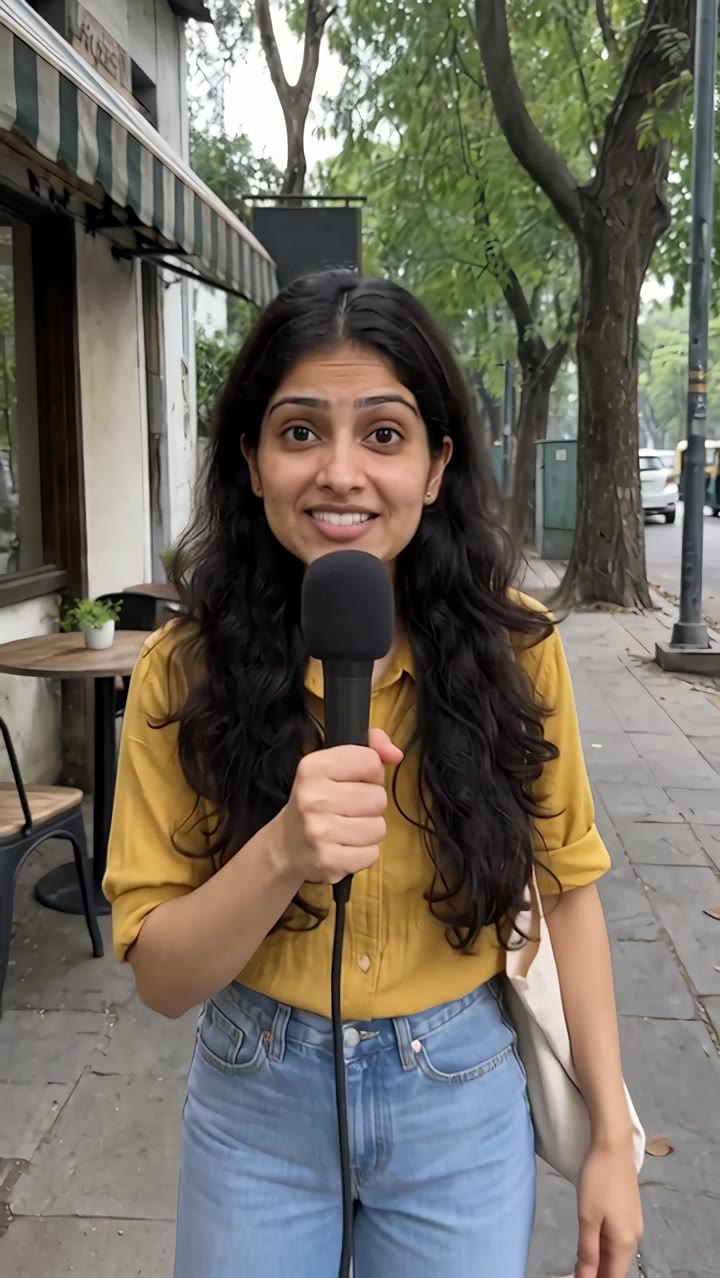 ▶ 7:29Make the clips on Seedance Locked8 questionsQuiz: Street interview clips on Seedance Locked
 - Module 06 · Assets & consistencyCharacters, products, places and props that stay the same.▶ 1:43Character sheets: recap and template Locked5 questionsQuiz: AI character sheet Locked
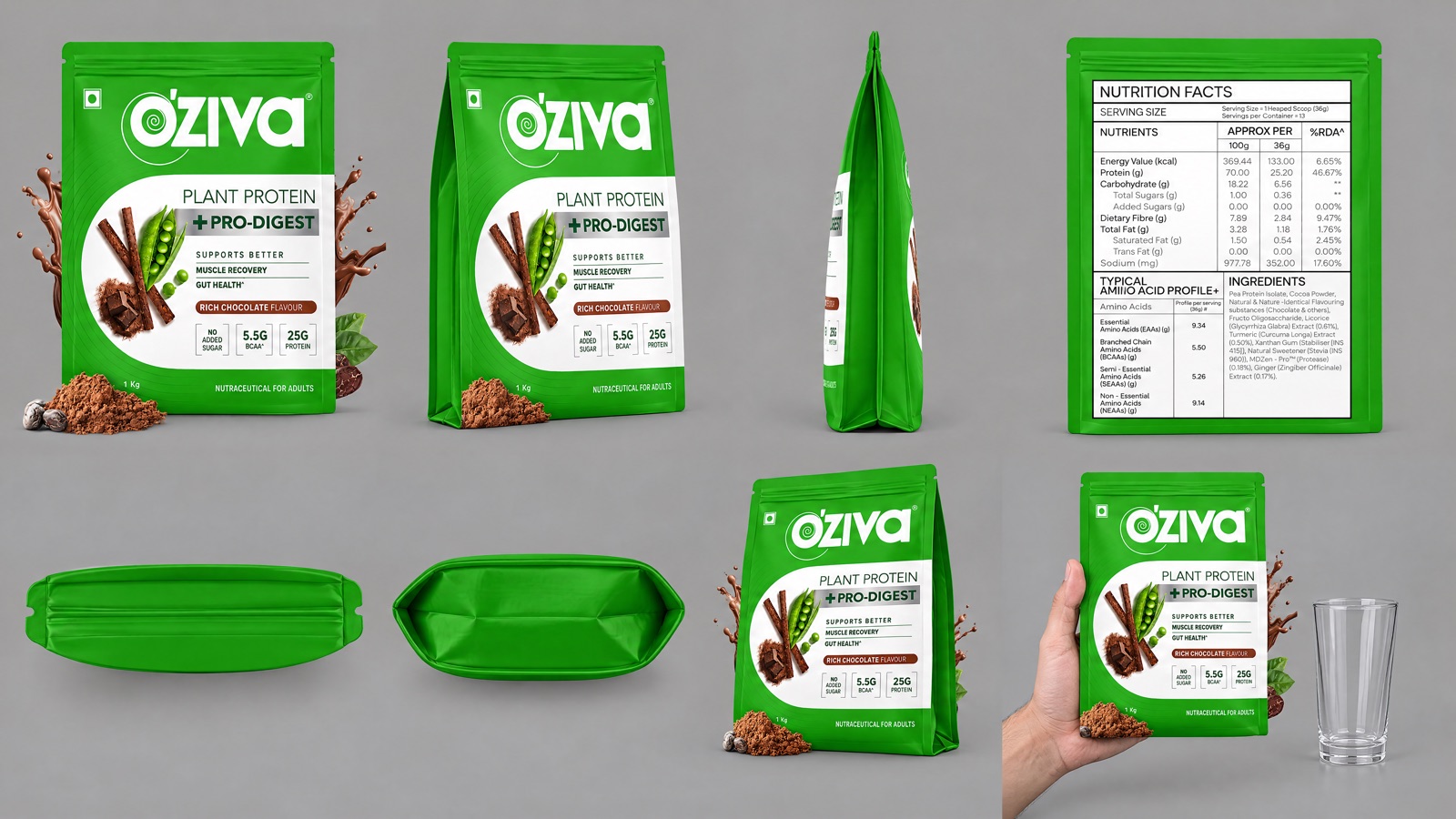 ▶ 1:33Product images: recap and template Locked5 questionsQuiz: Product packaging that doesn't distort Locked▶ 1:20Location image: recap and template Locked5 questionsQuiz: AI location sheet Locked▶ 1:14Prop sheet: recap and template Locked5 questionsQuiz: AI prop sheet Locked▶ 1:38Keyframes: recap and template Locked6 questionsQuiz: Staging and keyframe images Locked
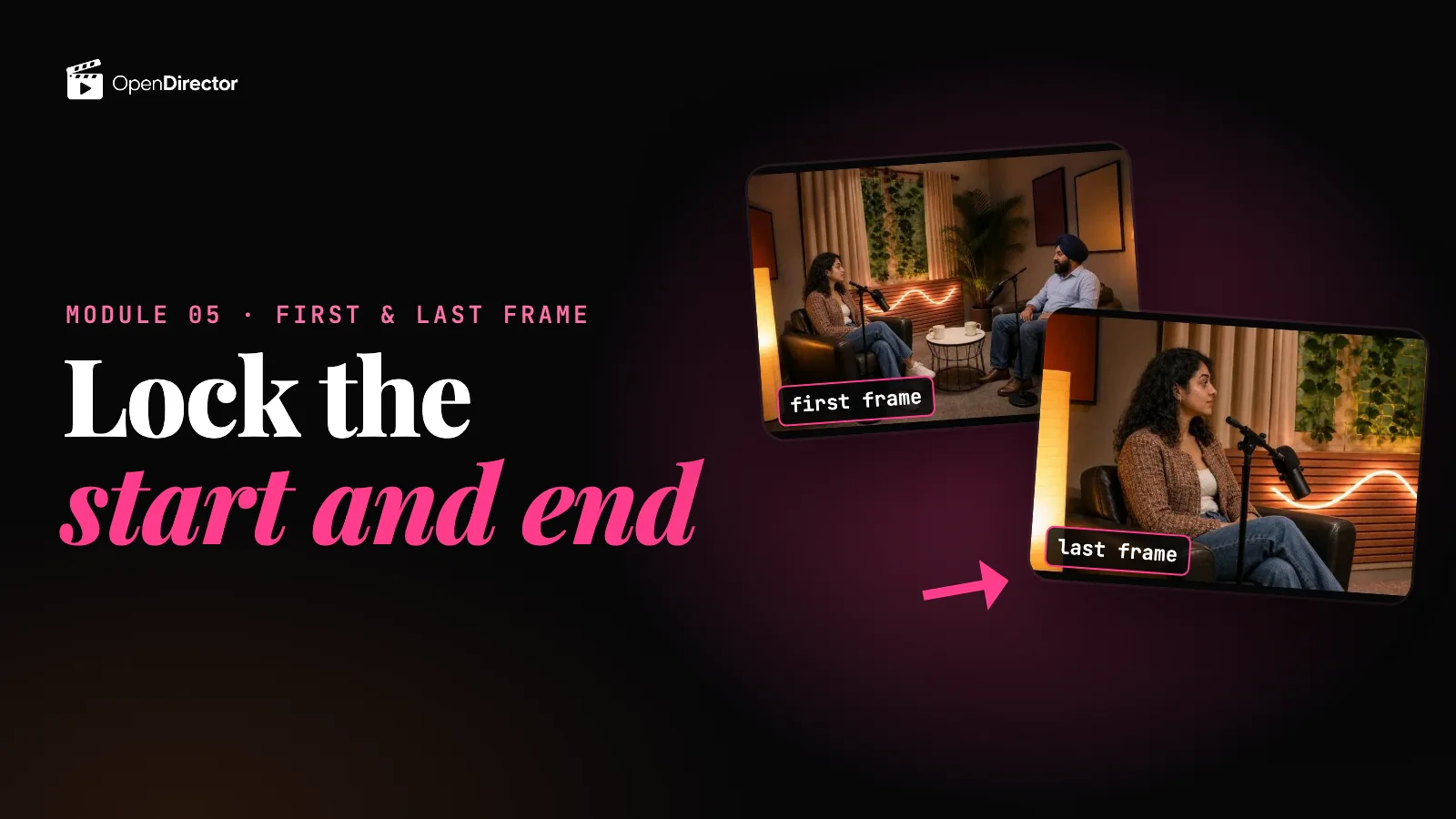 ReadFirst and last frame to video Locked5 questionsQuiz: First and last frame Locked
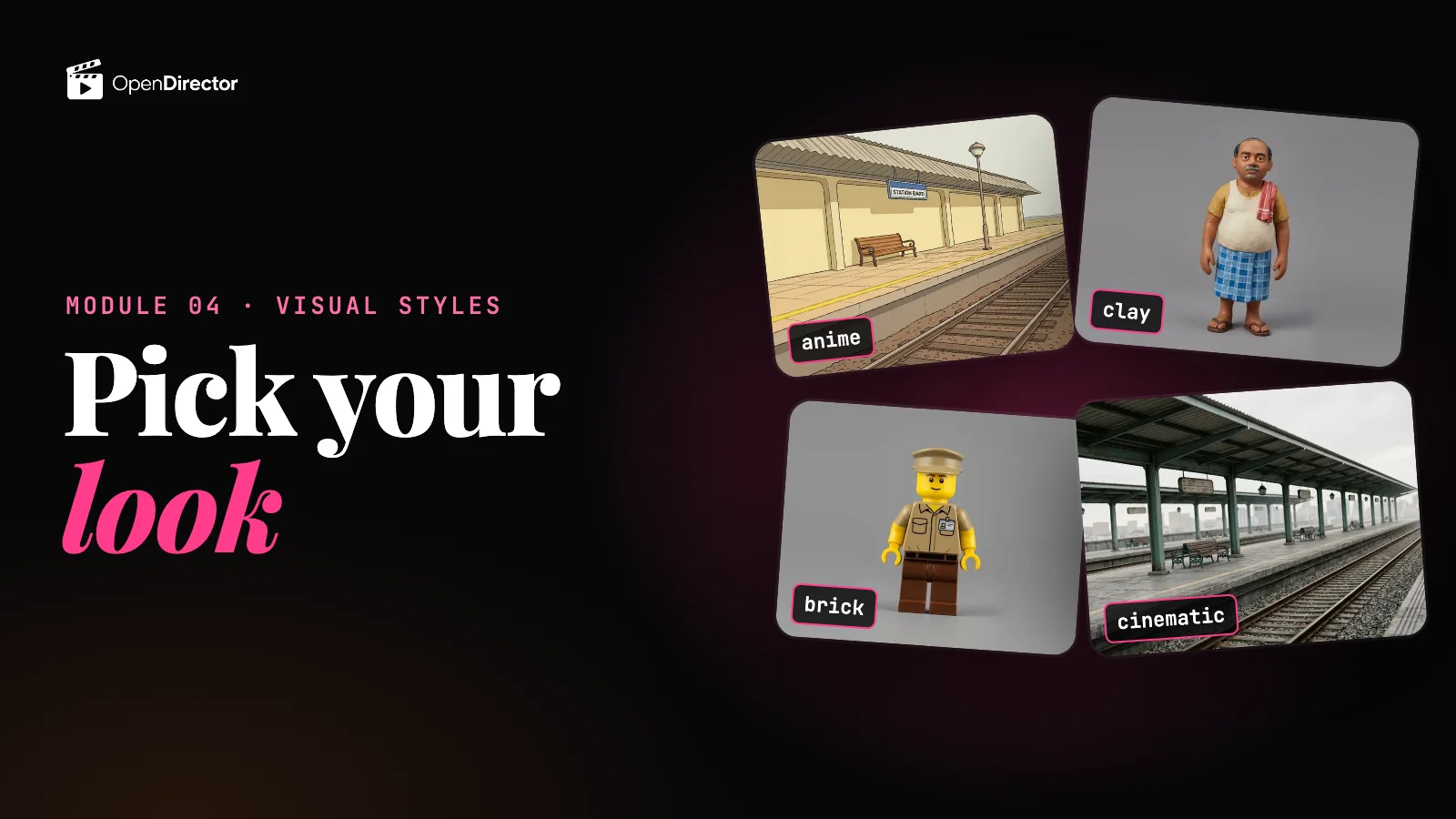 ▶ 0:54Pick a visual style Locked6 questionsQuiz: One style, every shot Locked
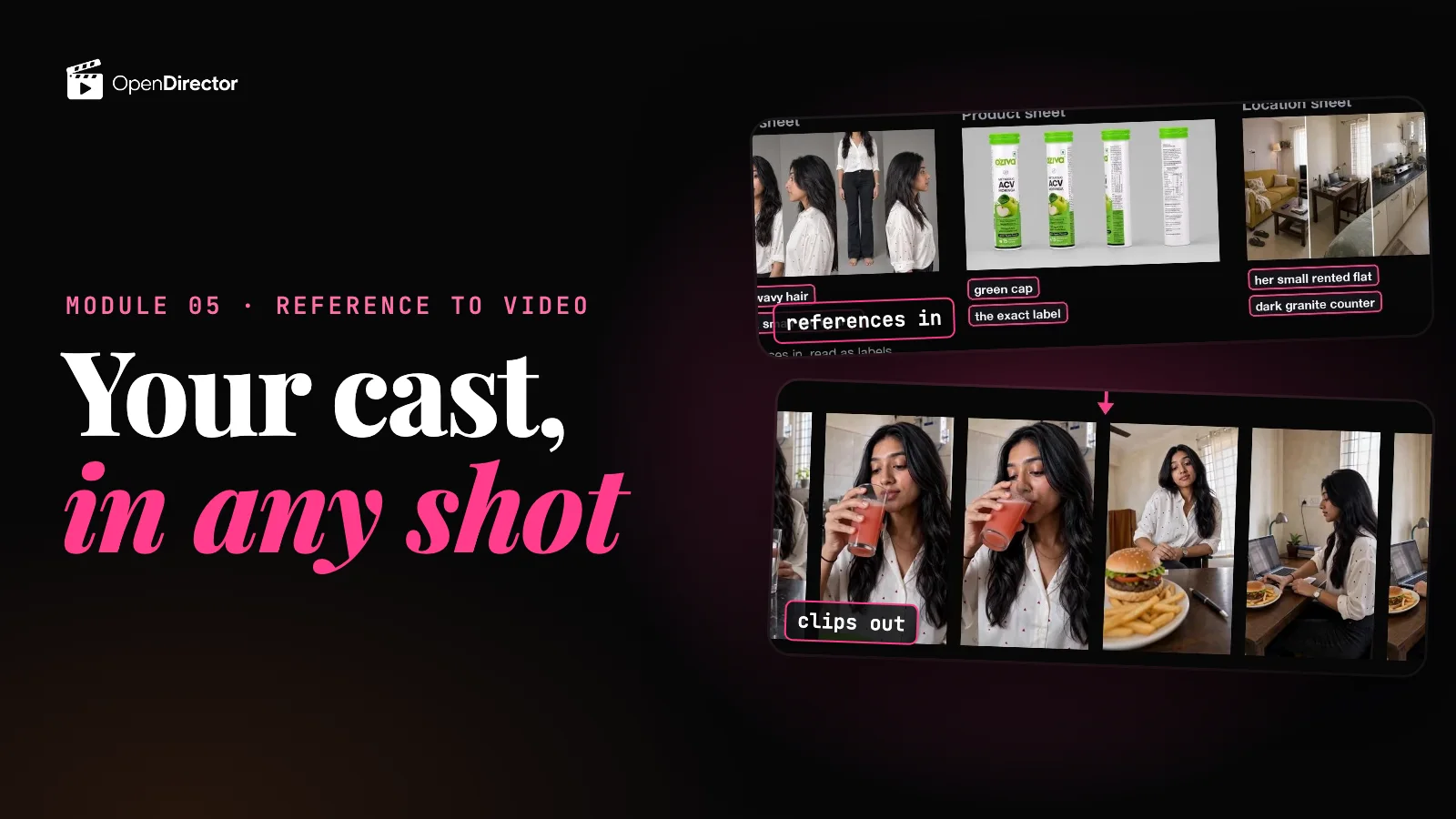 ReadReference to video Locked6 questionsQuiz: Reference to video Locked
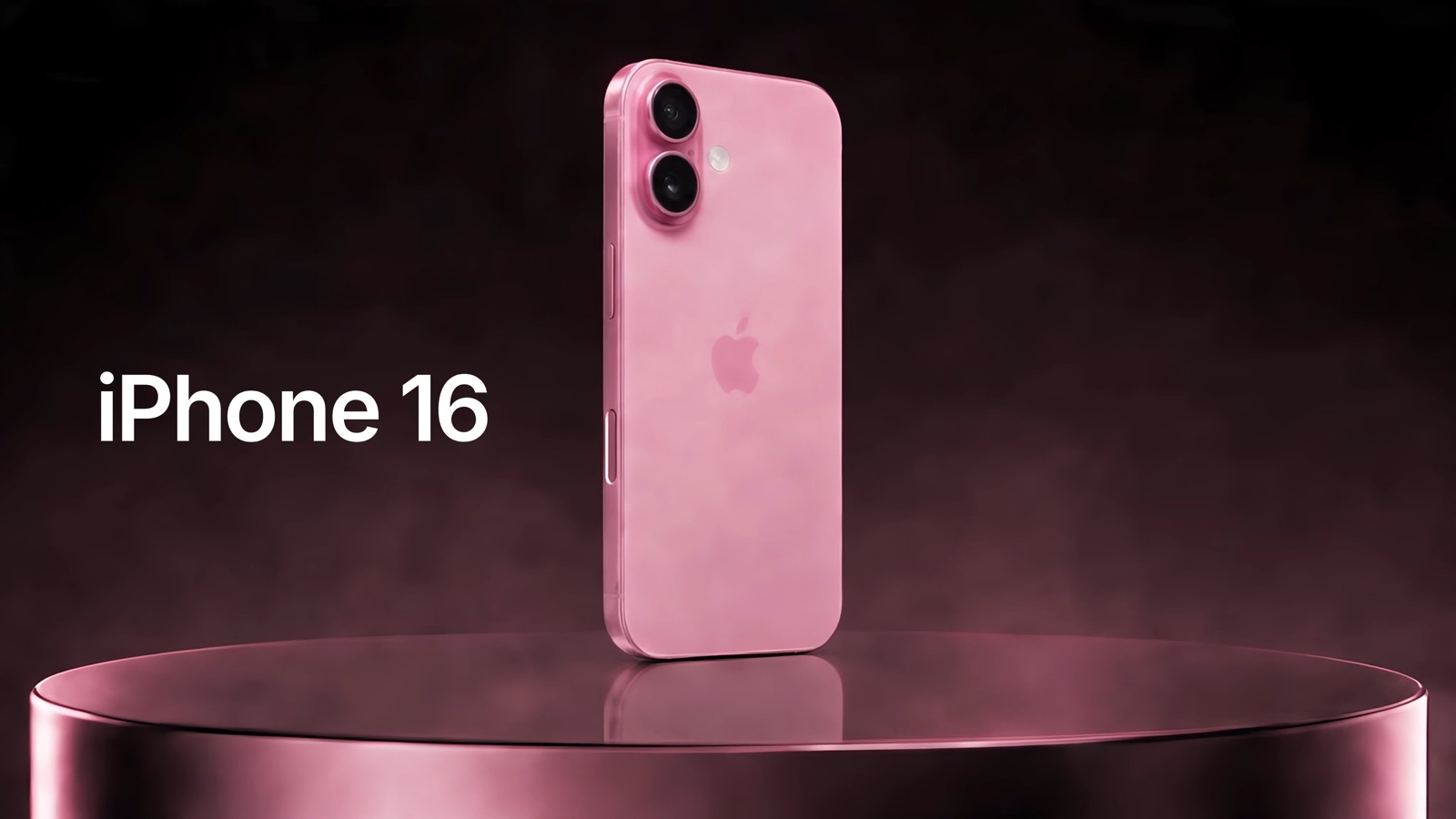
 - Module 07 · CGI videos and product revealsOne 15-second product reveal, start to finish: the product images from the brand's photos, a storyboard with on-screen text, music on the beat, one Seedance generation and the text animated in the edit.
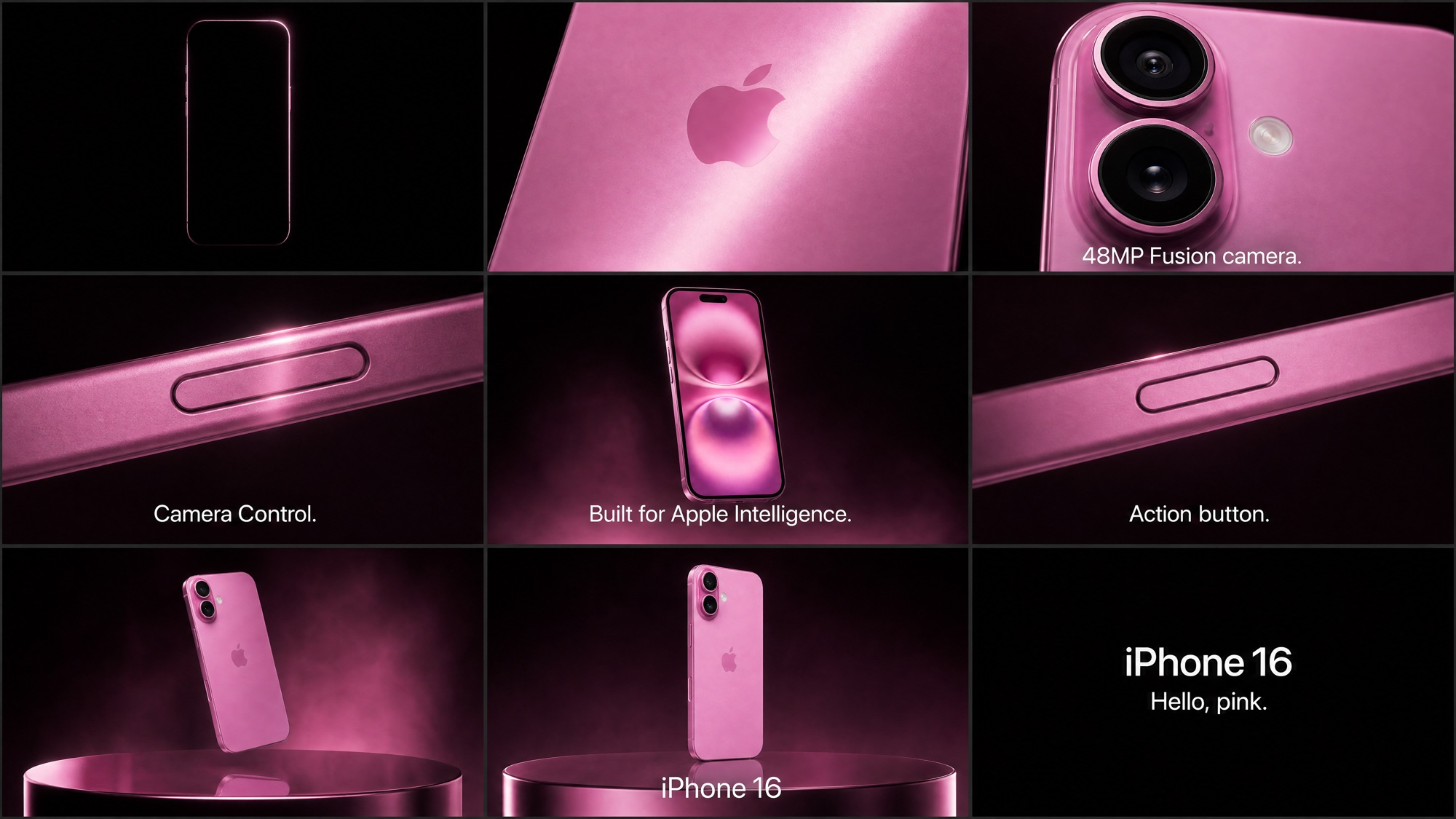 ReadTask: the phone reveal Locked
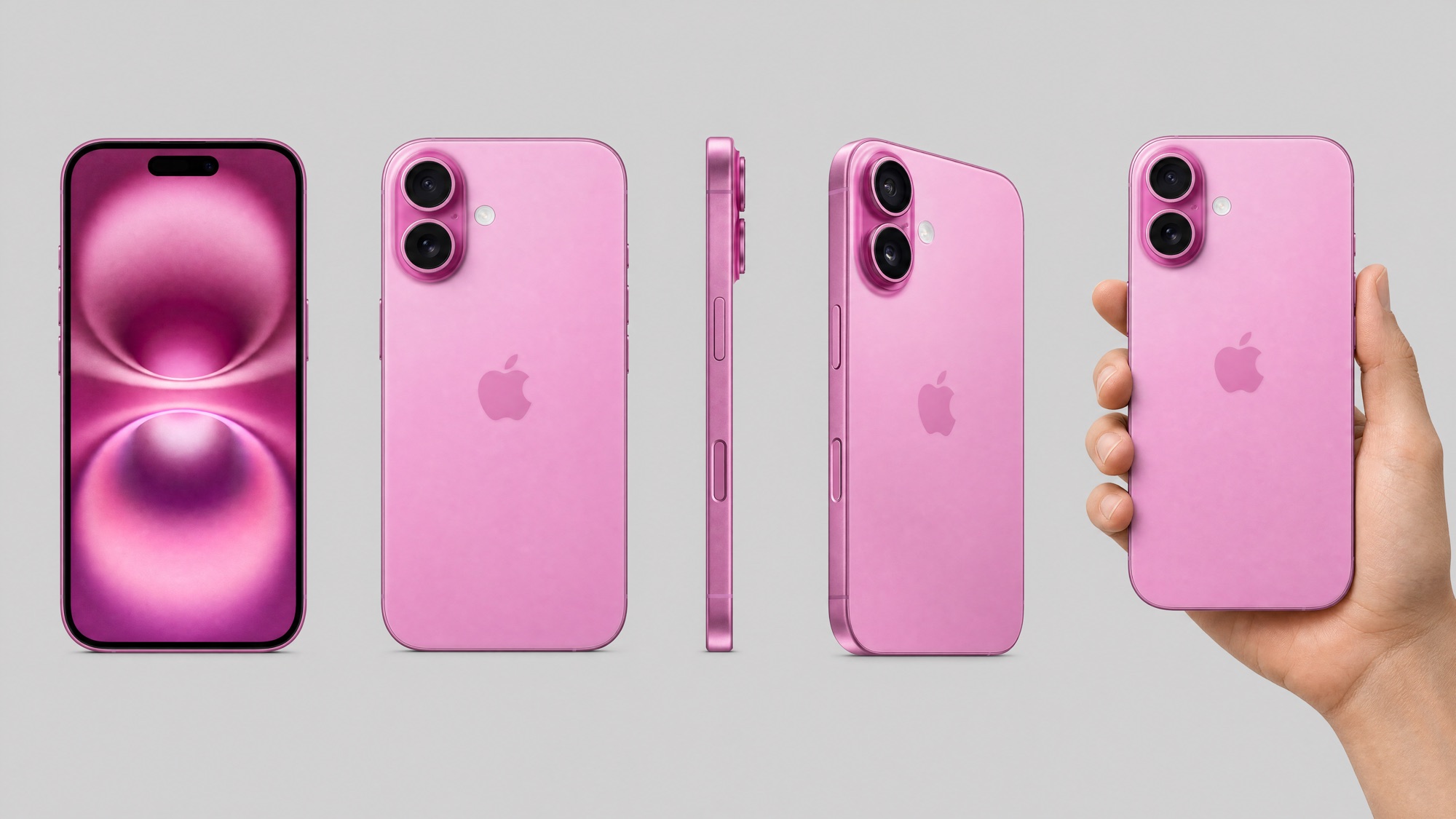 ReadProduct images LockedReadStoryboard Locked8 questionsQuiz: Product images and the reveal storyboard LockedReadMusic on the beat Locked
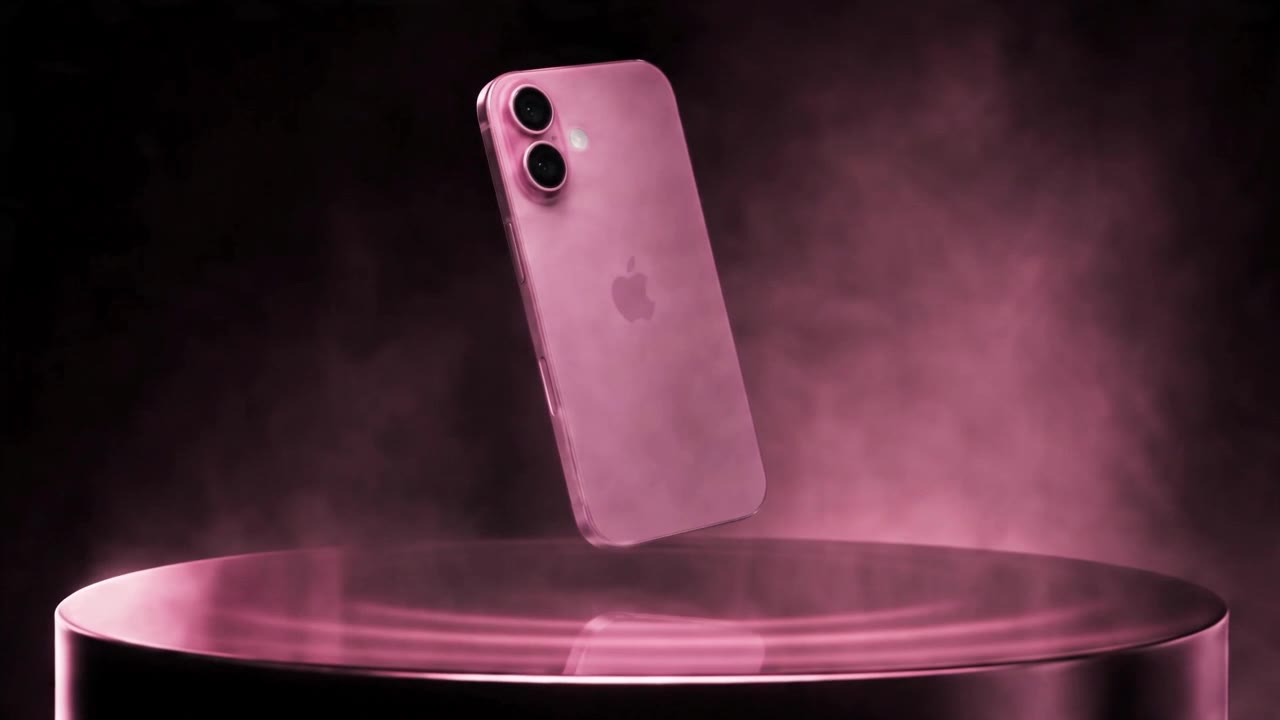 ReadMake the clips on Seedance Locked
 ReadEdit: text on the beat Locked8 questionsQuiz: Music, Seedance and the edit LockedMake the clips on Omni FlashComing soon
 - Module 08 · Virtual try-onOne eyewear try-on ad, start to finish: the storyboard, the character, location and product images, then the storyboard turned into video on Seedance.
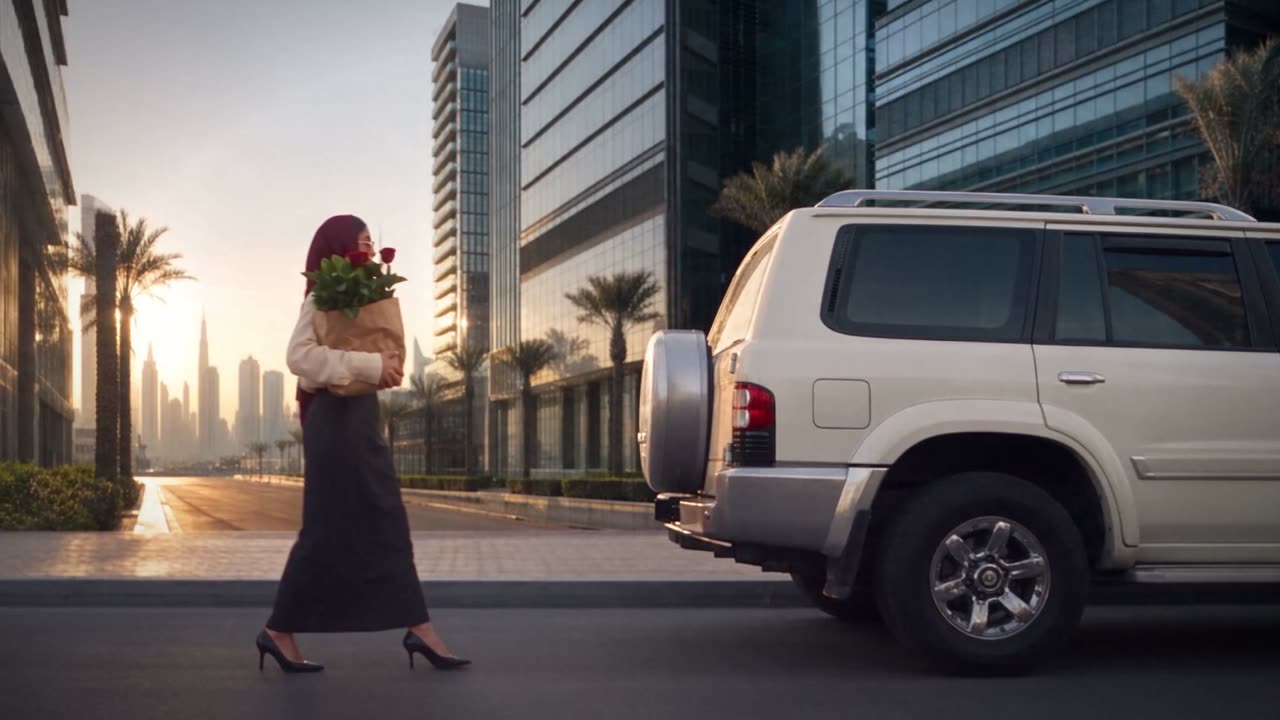 ReadTask: the eyewear try-on Locked
 ReadCharacter sheet Locked
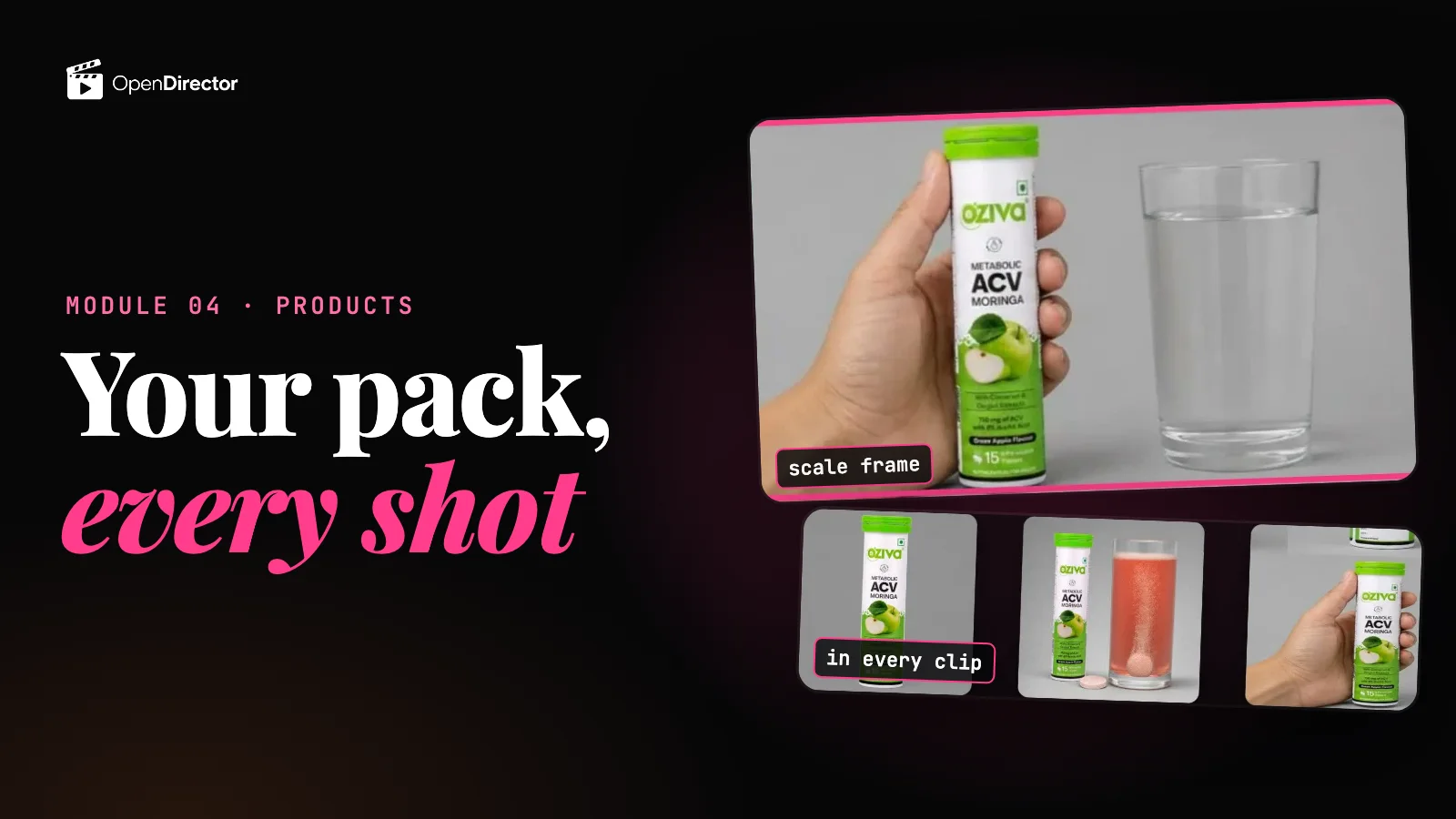 ▶ 2:11Product images Locked8 questionsQuiz: The model and the glasses Locked
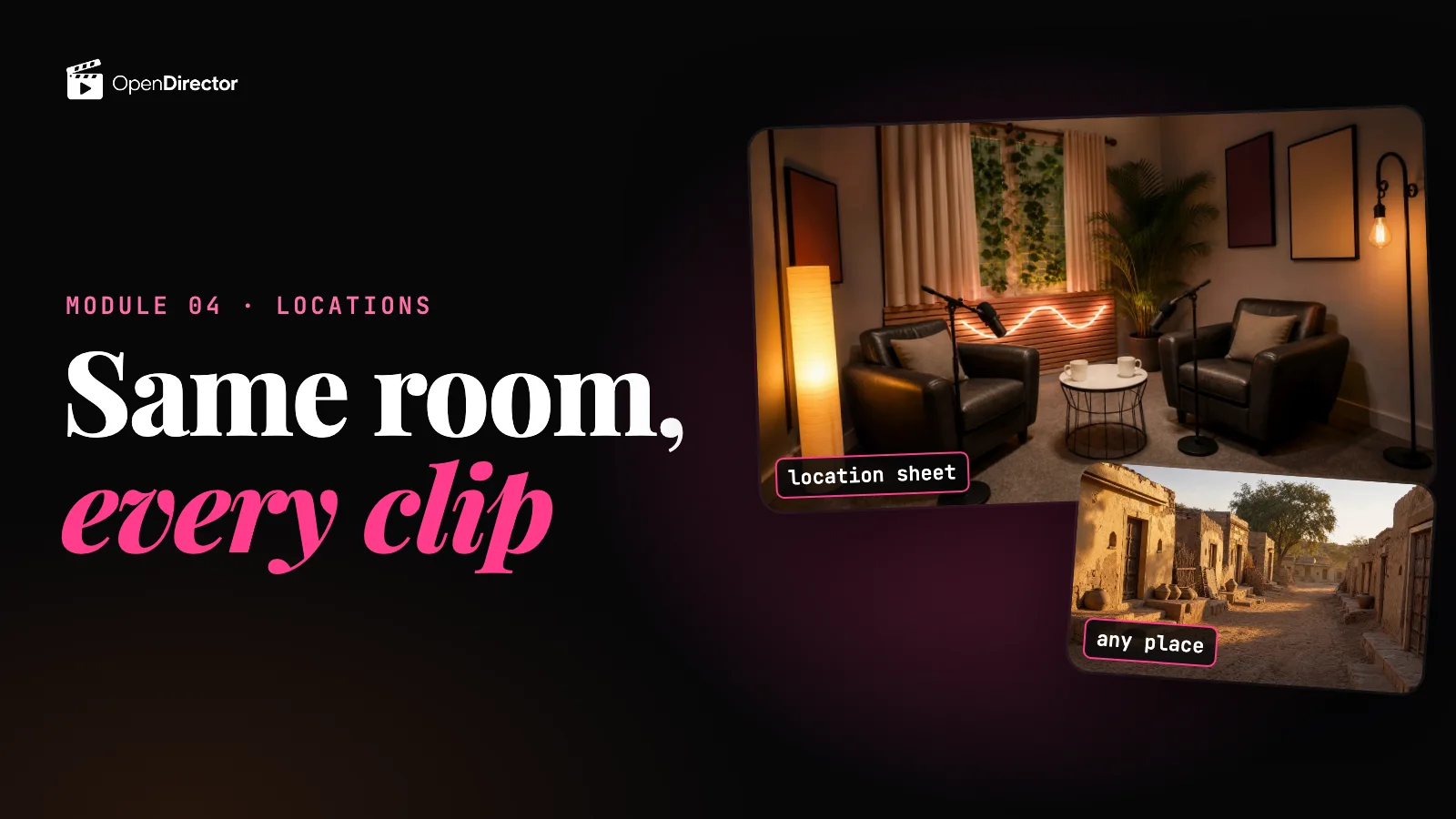 ReadLocations Locked
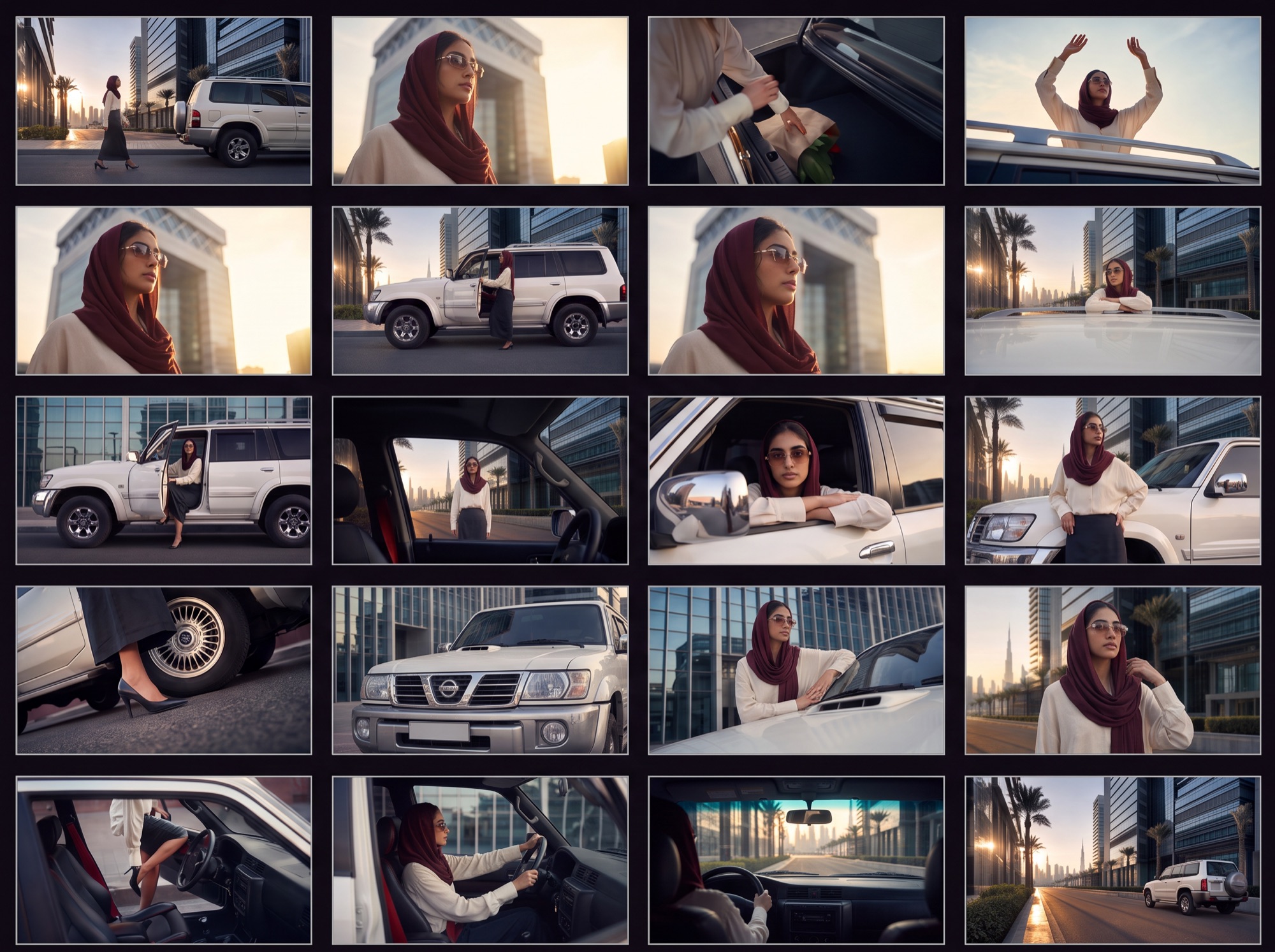 ReadStoryboard Locked
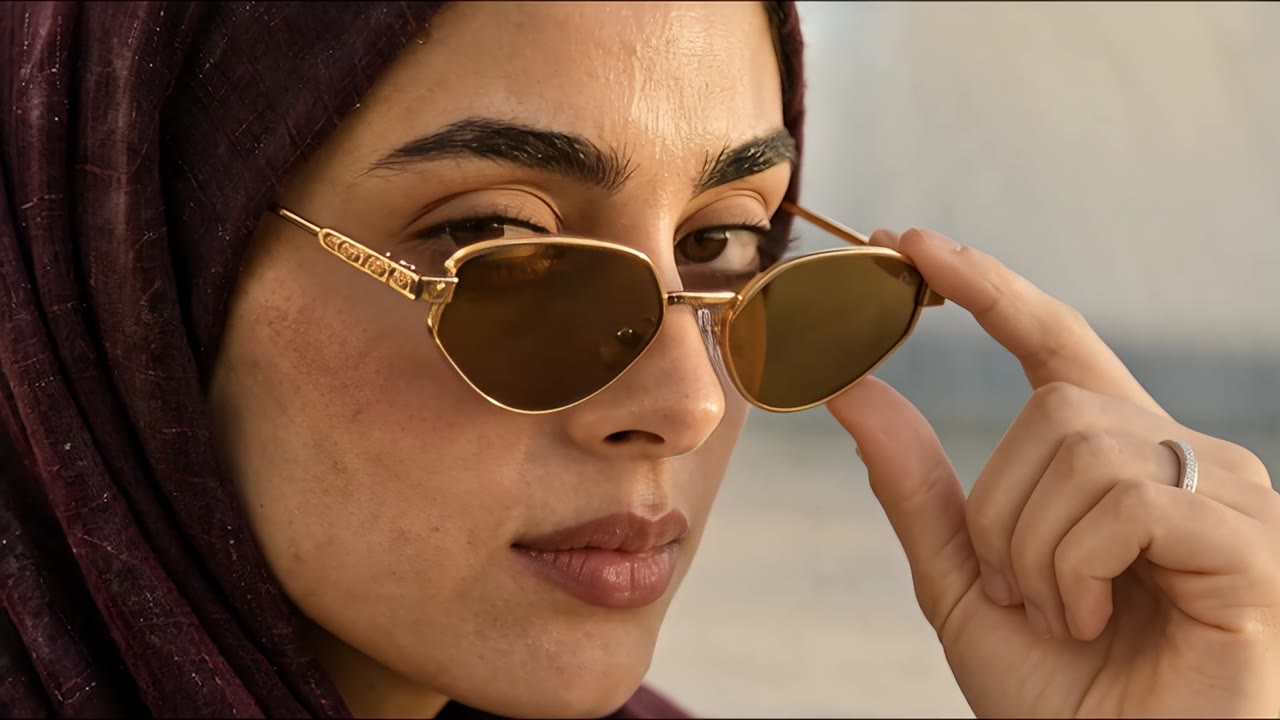 ReadMake the clips on Seedance Locked8 questionsQuiz: Storyboard and Seedance for a try-on Locked
 - Module 09 · Common issues in image and video generationsWrong pronunciation, uneven pace, costs that climb with every regeneration, and how to fix them.
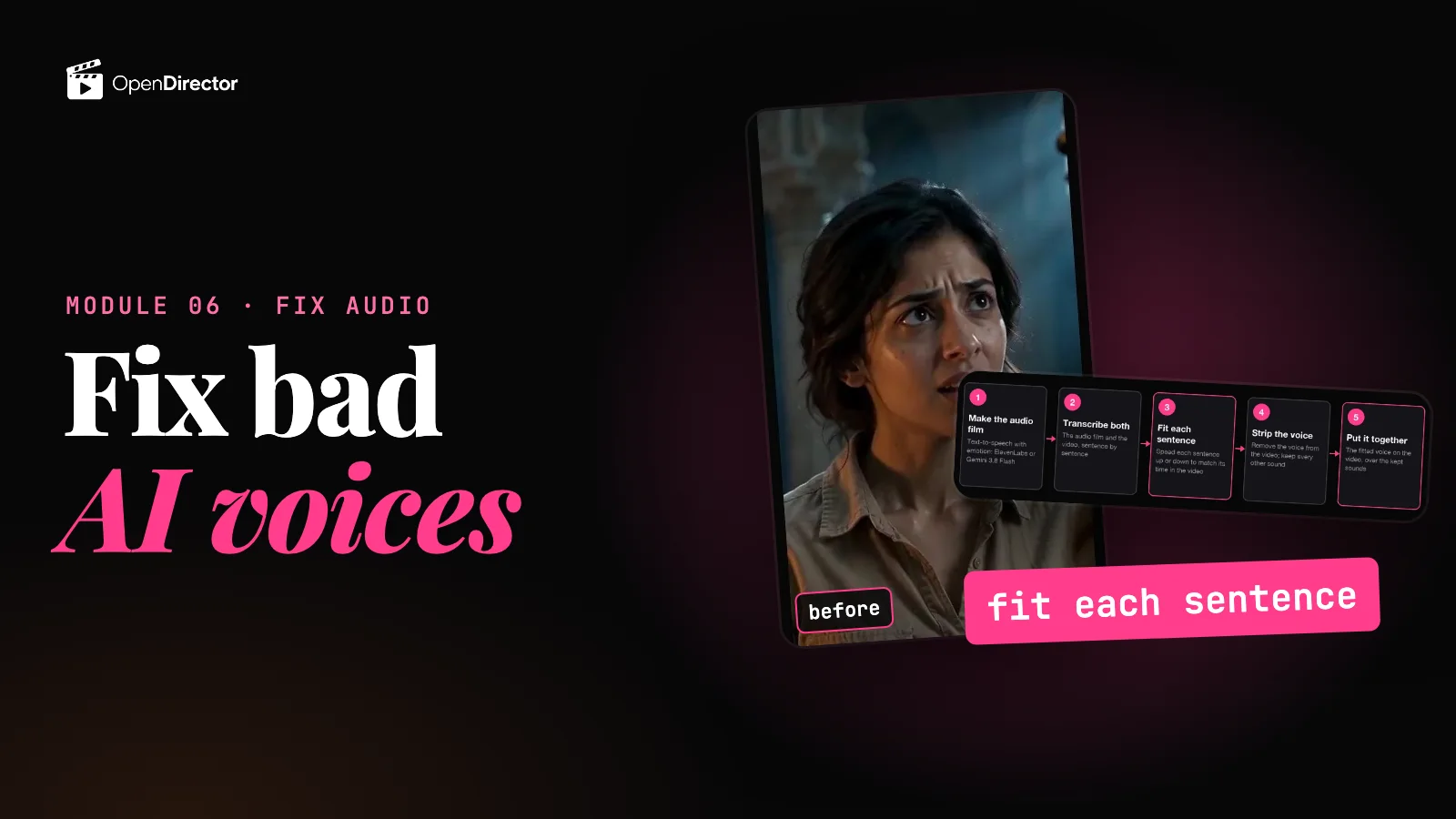 ReadFix wrong pronunciation Locked
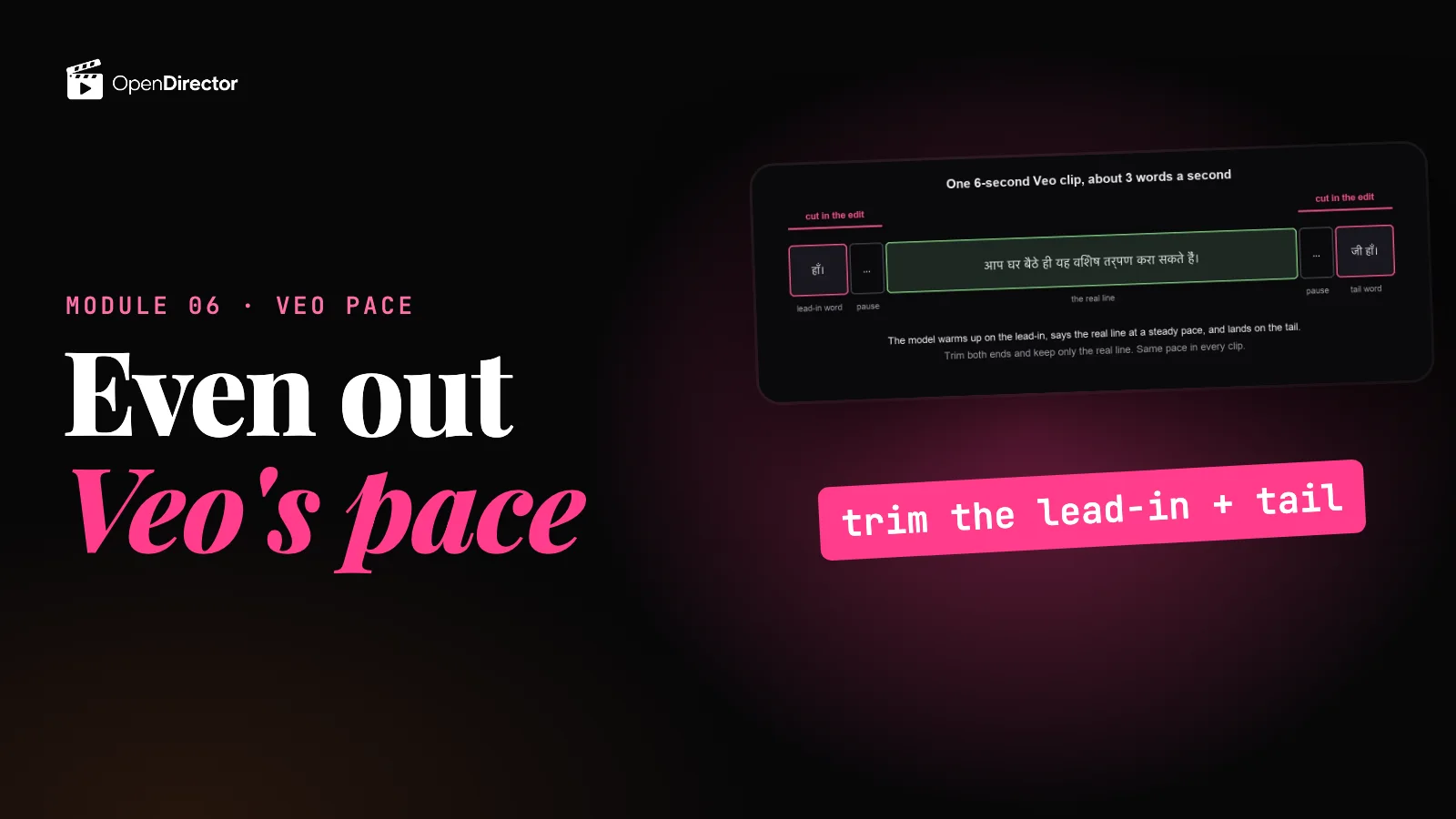 ReadFix uneven voice pace in Veo Locked8 questionsQuiz: Pronunciation and pace Locked
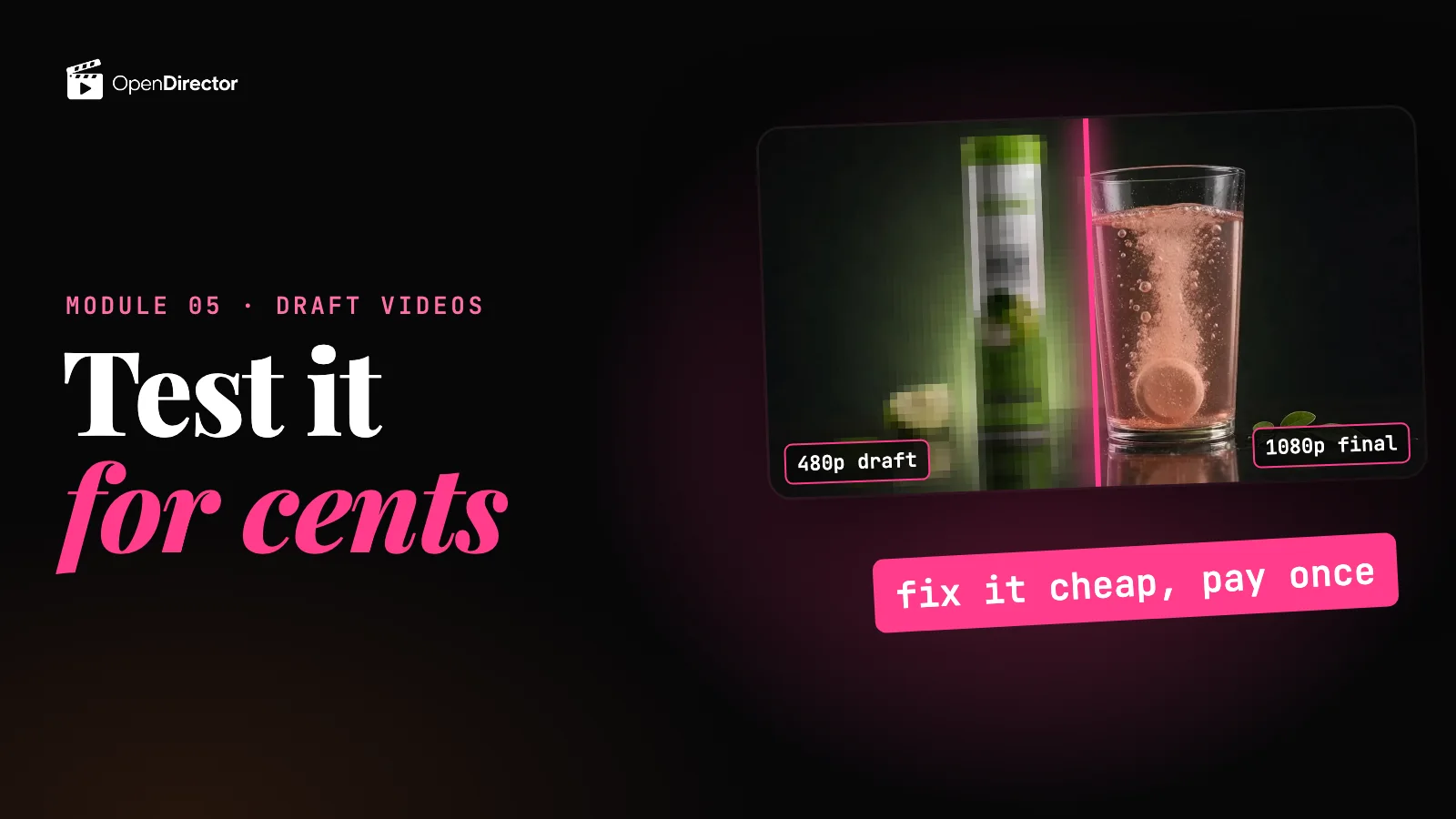 ReadCut costs with draft videos Locked5 questionsQuiz: Draft videos Locked
 - Module 10 · Capstone projectsFull projects, start to finish: a talking head, a podcast, a street interview, a CGI video and a virtual try-on.Talking headComing soonPodcastComing soonStreet interviewComing soonCGI videoComing soonVirtual try-onComing soon
Meet your mentor